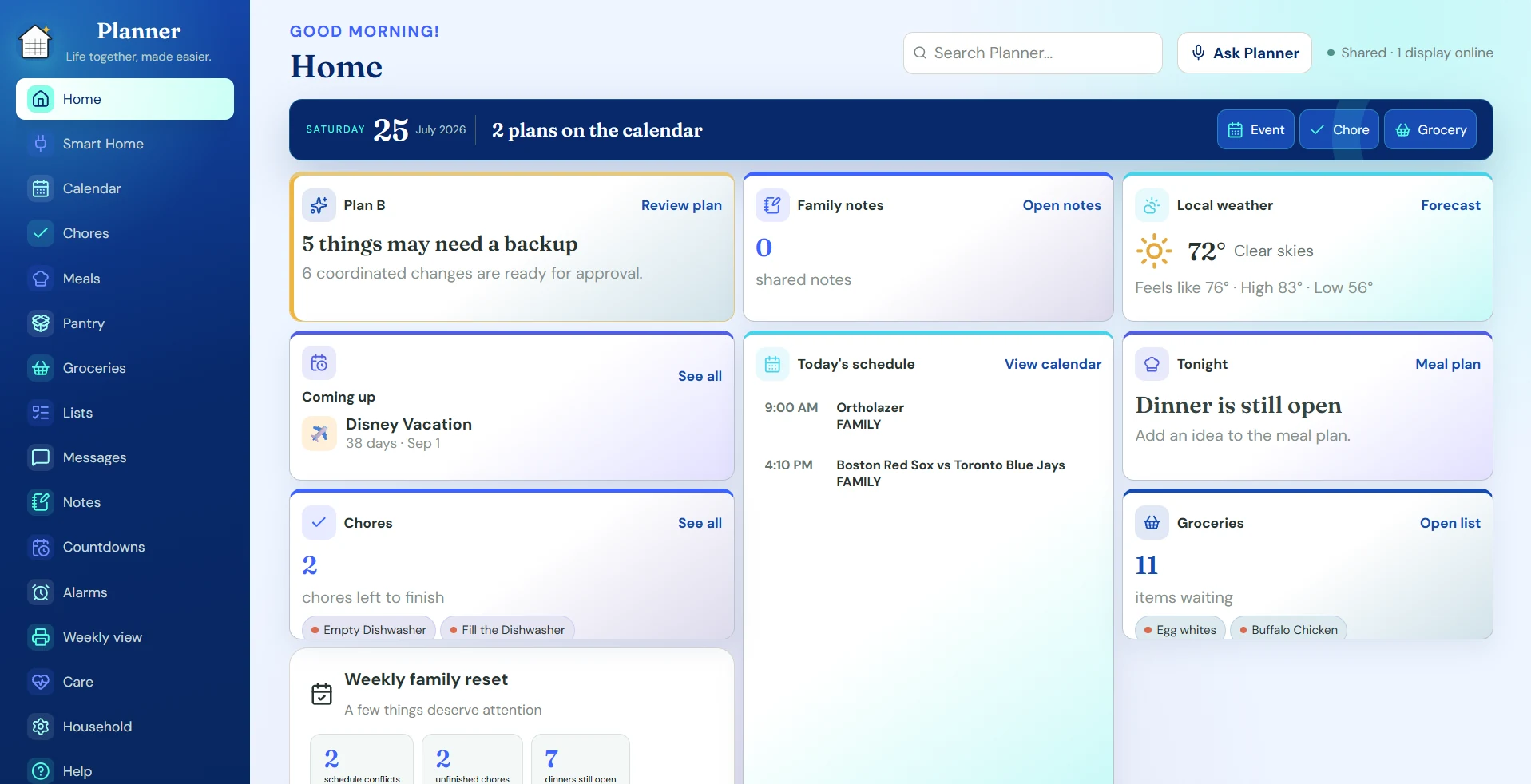
Planner
Shared calendars, chores, meals, groceries, notes, reminders, smart home, and household displays.
Open Planner →
Bring schedules, schoolwork, lists, messages, home controls, useful displays, budgeting, and care into one connected family space. Every core Pixora app and feature is included.
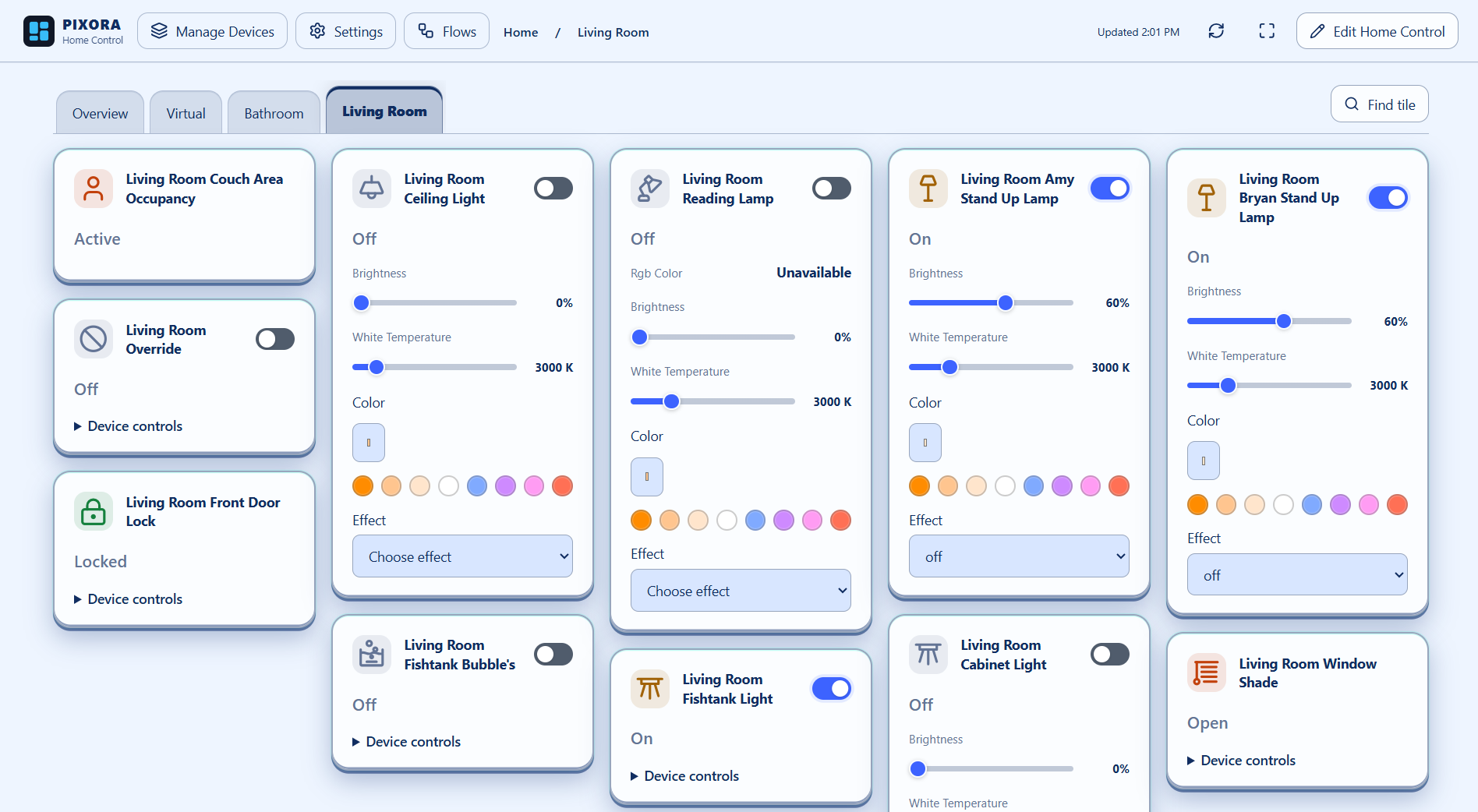
Home Control gives your devices a home of their own. Use any supported system separately, or combine devices from all four in custom dashboards and room views.
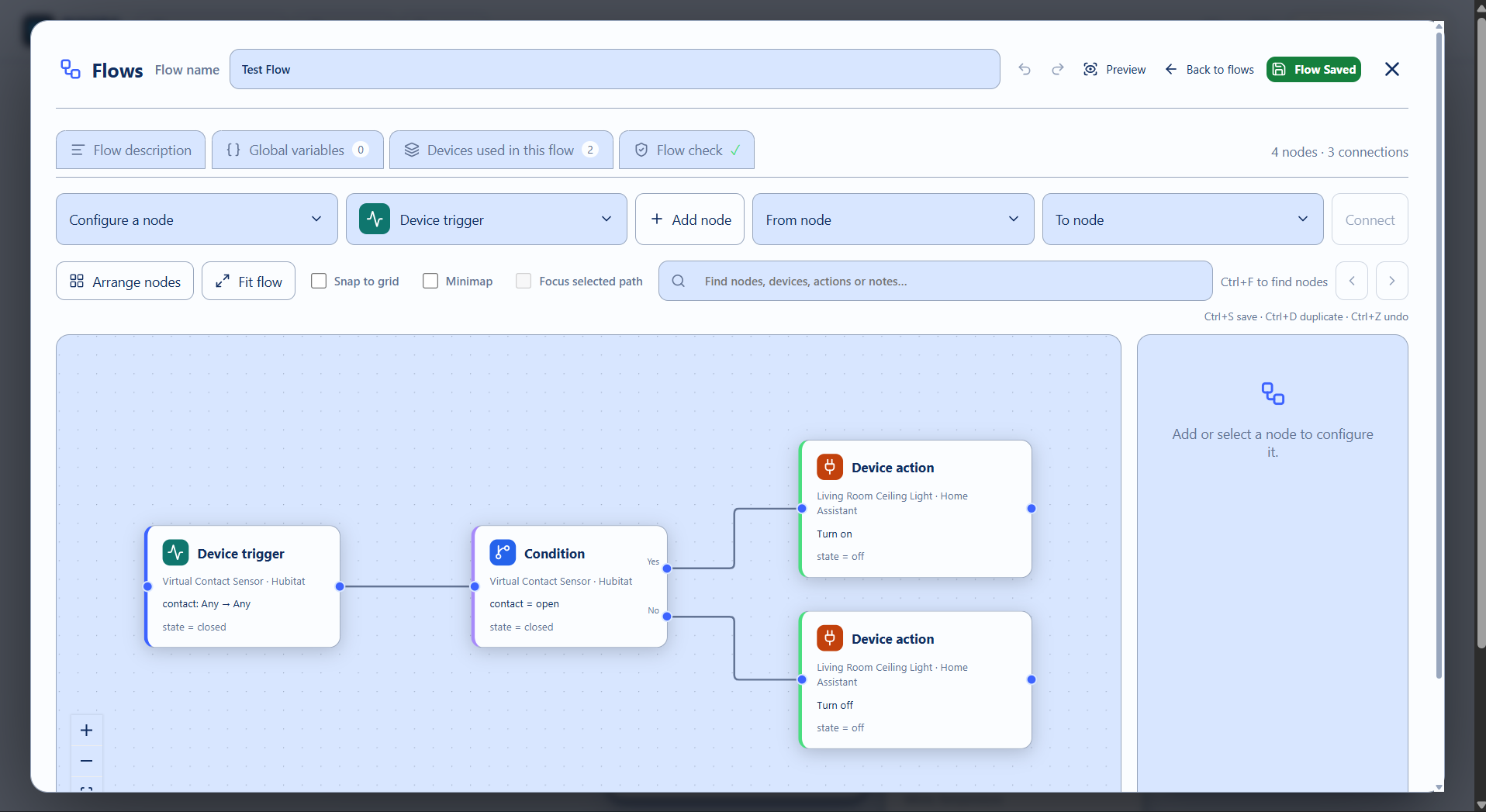
Build visual Flows within one system or across systems: receive a device event, check a condition, and control another device. For example, use a Hubitat sensor to switch a Home Assistant light, or use a direct Locator arrival as a trigger without creating a virtual smart-home device. Locator inputs require the phone app; join the PixoraHQ Google Group for closed-testing installation instructions.
Open Home Control → Explore Home Control and all Pixora apps
Start in Planner, then move into the Pixora app that fits the moment. Your identity, household, preferences, and permissions stay connected.
Shared calendars, chores, meals, groceries, notes, reminders, smart home, and household displays.
Open Planner →Custom device dashboards, room views, and visual Flows. Use Home Assistant, Hubitat, HomeSeer, and Homey separately or together.
Open Home Control →Classes, semester schedules, assignments, projects, study plans, focus sessions, and controlled family sharing.
Open Student →Chronological circles, private messages, events, polls, photos, and conversations without follower counts or ranking.
Open Connect →Build reusable decks from the complete Live Card library and put useful information on any household screen.
Open Live →Plan bills, spending, goals, and cash flow in a private household workspace without connecting a bank password.
Open Budget →Coordinate check-ins, visits, plans, trusted contacts, reminders, and protected handoffs with clear permissions.
Open Care →Private, time-limited sharing with Places, Planner triggers and actions in Flows, calendar destinations, arrival reminders, chore timing, travel status, and Care check-ins. The Locator app is required for these options. Locator will be a separate yearly subscription; the seven core Pixora apps remain free.
Create an account, invite the household, and use every Pixora space freely.
Planner reminders connect directly to Flows. Saving an arrival reminder, Calendar departure reminder, chore arrival timing, or Care check-in creates a linked Flow with one Enabled switch and run history. Use Planner / Locator nodes for arrivals, departures, movement, check-ins, event departure times, assigned chores, and Care deadlines; add conditions, notify Locator phones, set or clear travel status, or create a Care follow-up. The Locator app is required for these options. Join the PixoraHQ Google Group for Android closed-testing installation instructions, using the same Google account as Google Play.