PIXORA'S CORE FAMILY APPS ARE FREE
The complete Pixora family

Focused apps.
One shared rhythm.

Move from the family calendar to school, conversations, household displays, money, and care with one account. All seven apps are free to use without a Locator subscription. There is no Pro tier.

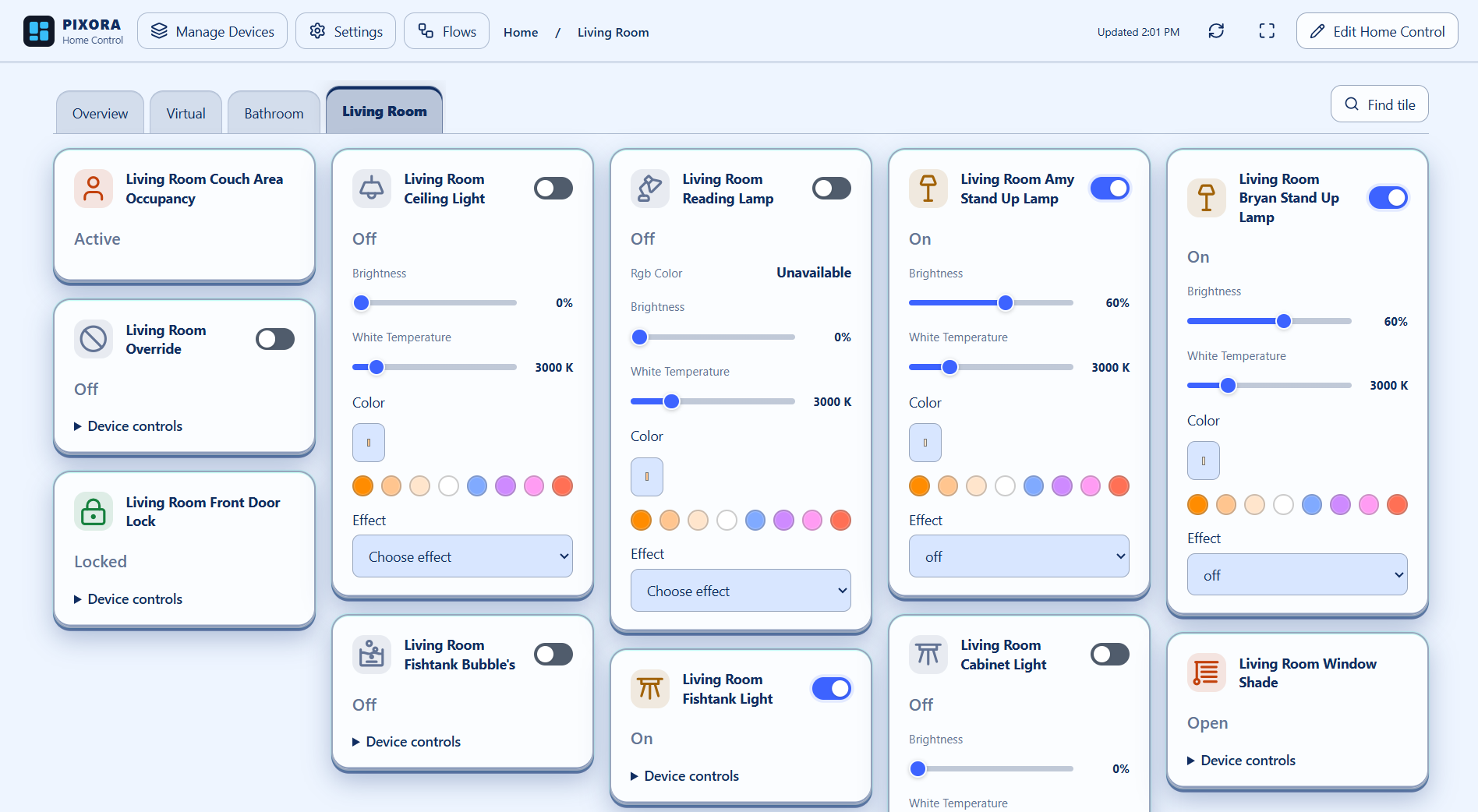
Home Control dashboard with lights, sensors, locks, and shades
Your devices, arranged your way.
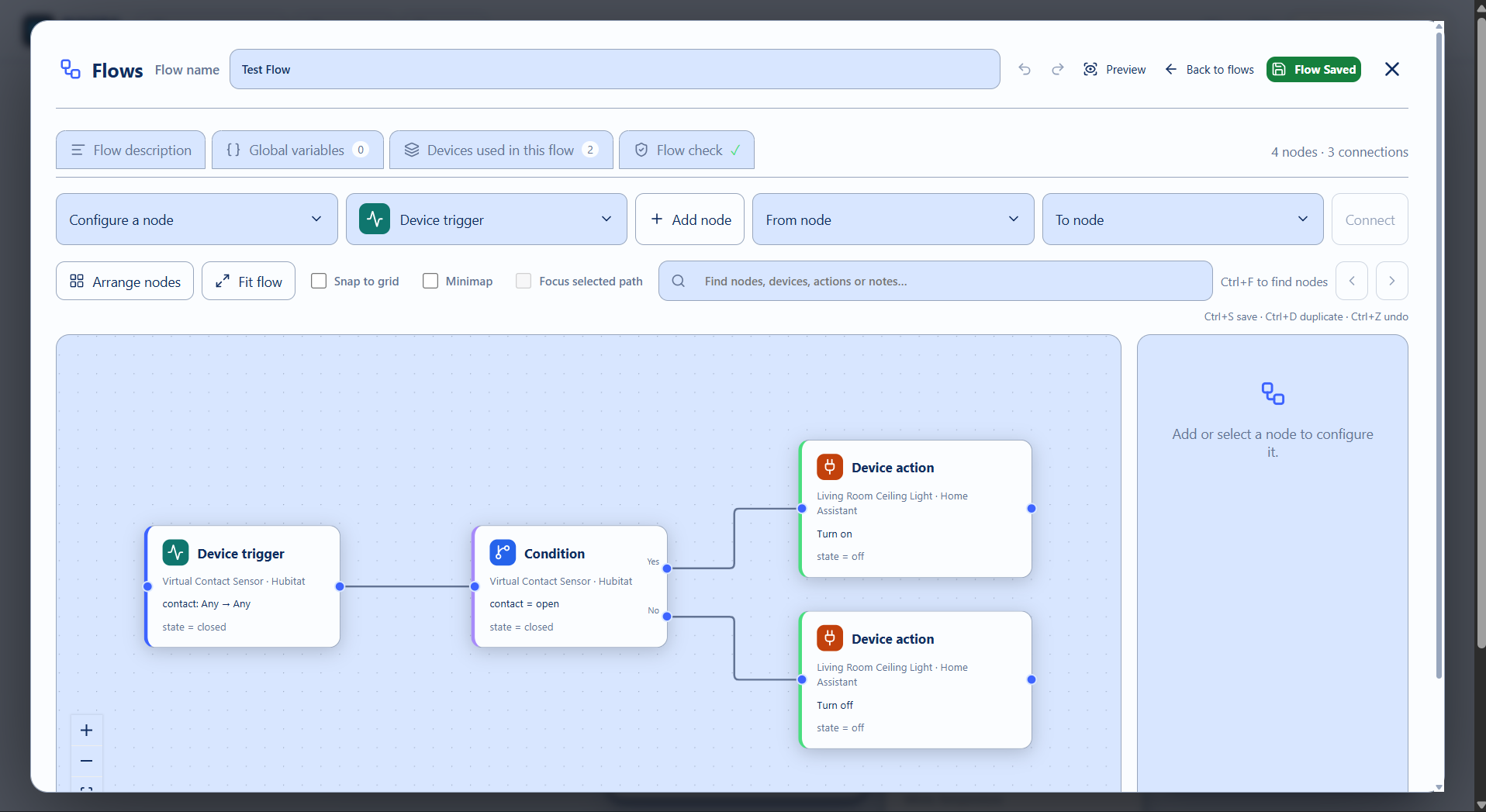
Home Control Flow joining a Hubitat sensor to Home Assistant light actions
Connect triggers, conditions, and actions with Flows.
One system or all four

Pixora Home Control & Flows

Use Home Assistant, Hubitat, HomeSeer, or Homey on its own—or bring devices from all four into the same home. Keep each system separate with its own views, or combine devices in a single dashboard.

Flows connect device triggers, conditions, and actions across your connected systems. A Hubitat contact sensor can trigger a Home Assistant light. Build an automation within one system or combine devices across systems without moving them to a different hub.

  • Custom device tiles, room views, and direct Locator maps and person tiles
  • Direct Locator triggers and conditions without virtual smart-home devices
  • Separate systems or combined dashboards
  • Visual Flows within one system or across systems
  • One shared Pixora account and Planner theme

Set up your connections in Planner → Smart Home. Use Planner for simple device controls and Home Control for dashboards and Flows.

For Locator-powered options: The Locator app is required for this option. Join the PixoraHQ Google Group using your Google Play account and follow the closed-testing Android installation instructions. Sign in with your Pixora account; Place-based options need current precise sharing.

Open Home Control →
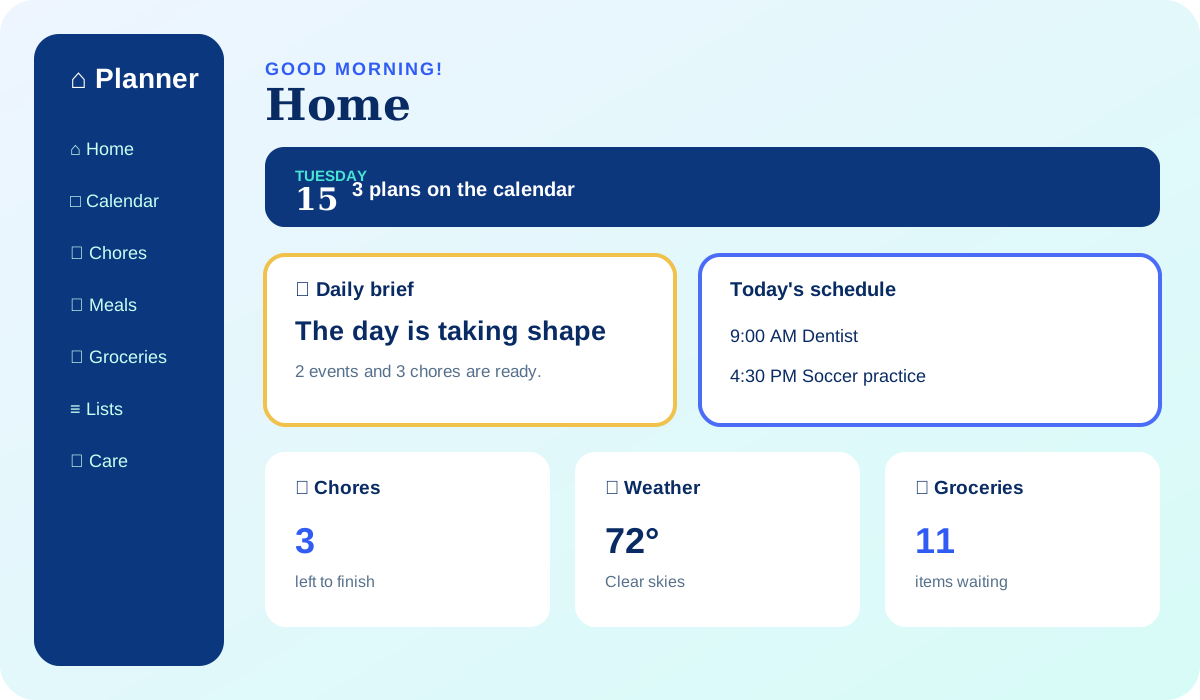
Pixora Planner dashboard showing a family schedule, chores, groceries, and weather

Pixora Planner

Give everyday family life one calm home. Planner brings schedules, chores, meals, groceries, lists, notes, reminders, alarms, smart-home controls, and household displays together, so the answer to “what’s happening?” is always close.

Start the morning with a useful brief, spot conflicts before they become scrambles, and turn loose plans into actions people can actually finish. Each person sees the tools and information appropriate to their household role, while shared updates stay connected across the Pixora family.

  • Shared family calendar
  • Meals and groceries
  • Chores and reminders
  • Smart-home controls
  • Optional Locator calendar Places, arrival reminders, chore timing, and travel status

For Locator-powered options: The Locator app is required for this option. Join the PixoraHQ Google Group using your Google Play account and follow the closed-testing Android installation instructions. Sign in with your Pixora account; Place-based options need current precise sharing.

Open Planner →
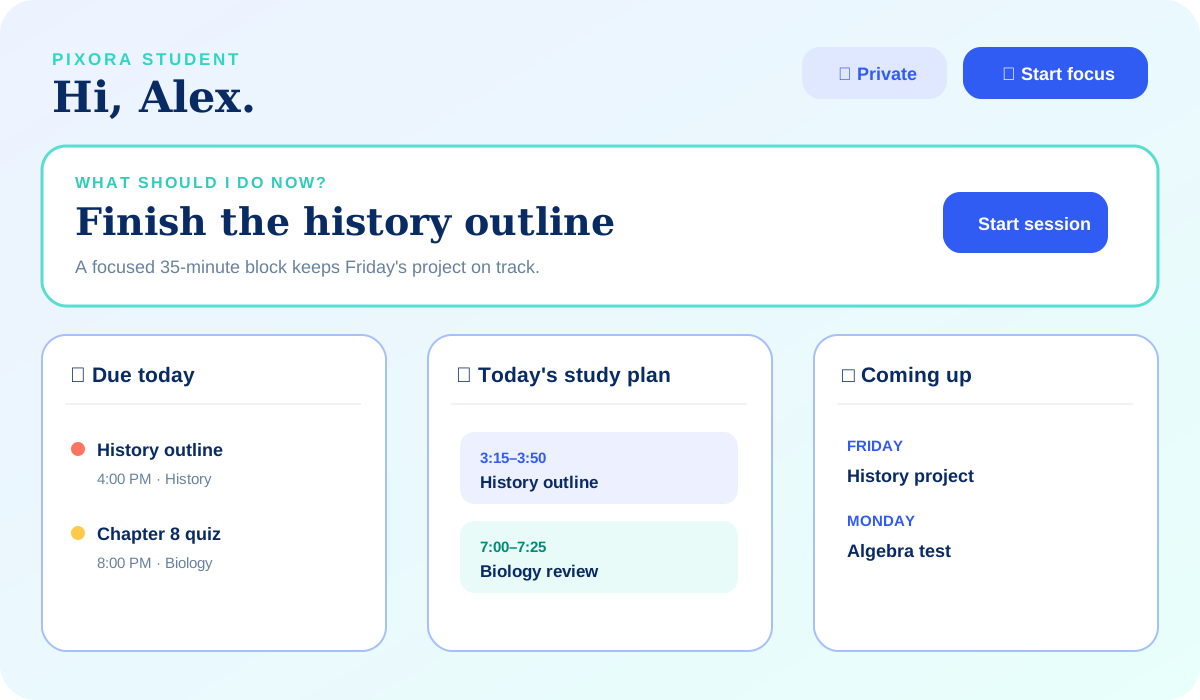
Pixora Student workspace showing assignments, a study plan, and upcoming deadlines

Pixora Student

Turn a crowded semester into a plan that feels possible. Student organizes classes, assignments, projects, tests, study blocks, and routines in a private workspace designed around what a learner needs to do next.

Enter a schedule quickly, see deadlines before they pile up, and break larger work into focused sessions. Students keep ownership of their day while choosing what—if anything—to share back to the household calendar. It is structure without surveillance and momentum without the noise.

  • Assignment priorities
  • Study-block planning
  • Project milestones
  • Private by default
Open Student →
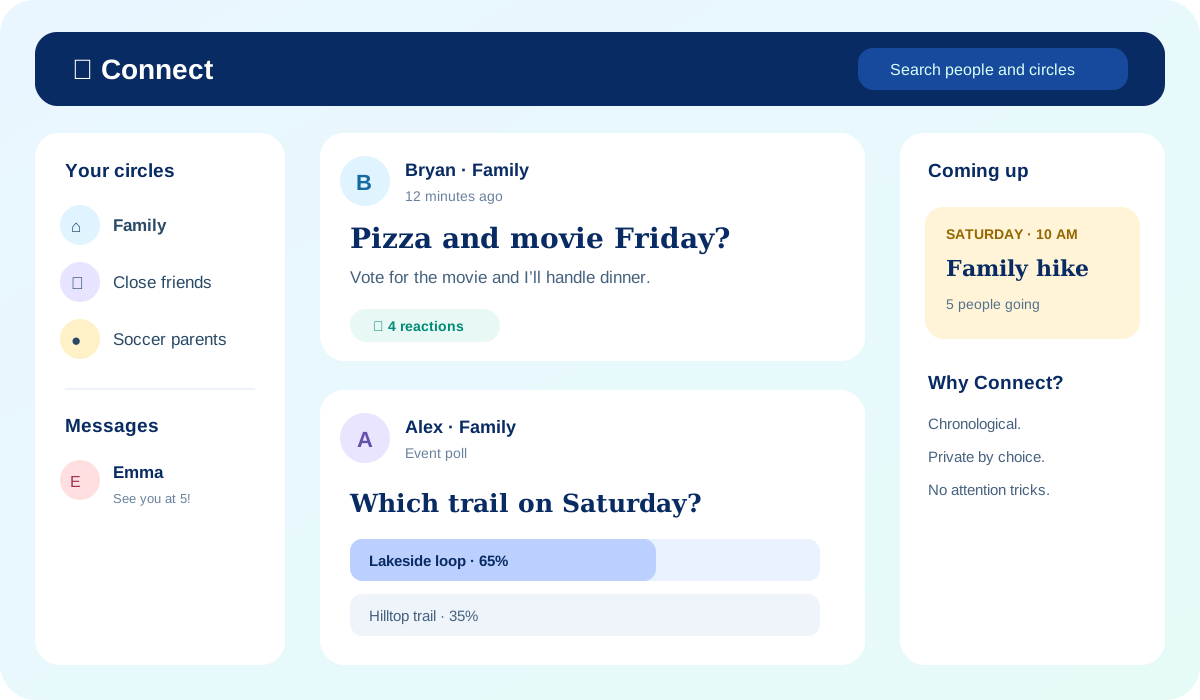
Pixora Connect feed with family posts, an event, a poll, and direct messages

Pixora Connect

Share the moments and decisions that matter with the people who matter. Connect combines posts, photos, messages, plans, questions, events, requests, and polls in a chronological space built for real relationships—not an attention algorithm.

Create a circle for family, friends, school, or a shared project; choose the audience for every post; and move an agreed plan directly into Planner. Thoughtful privacy controls, youth protections, and moderation tools help conversations stay useful, welcoming, and appropriately scoped.

  • Chosen people and circles
  • Private messaging
  • Events, requests, and polls
  • No attention algorithm
Open Connect →
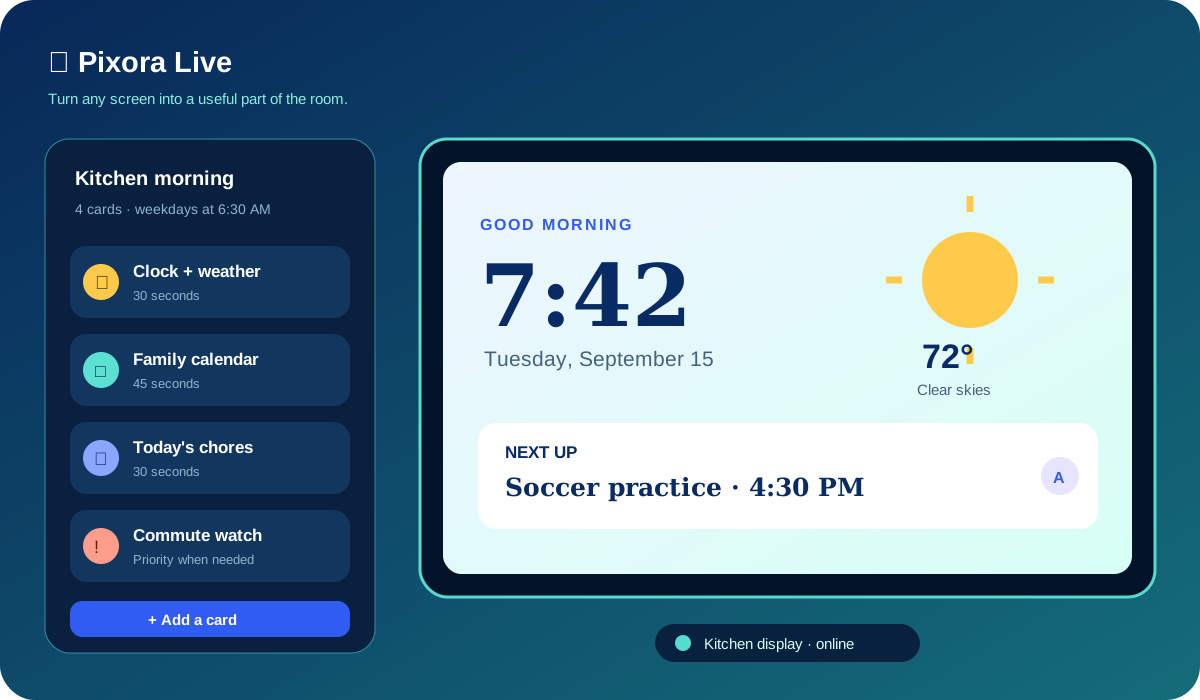
Pixora Live display builder showing a card deck and household screen preview

Pixora Live

Make the screens you already own genuinely useful. Live turns a browser or compatible Pixora display into an always-current view of time, weather, travel, sports, household plans, smart-home status, and dozens of other glanceable cards.

Build reusable decks, assign them to different rooms, and schedule the right information for the right moment. Quiet hours keep displays respectful, priority rules surface timely updates, and coordinated walls can carry one experience across multiple screens.

  • Complete card library
  • Reusable display decks
  • Schedules and quiet hours
  • Multi-screen coordination
Open Live →
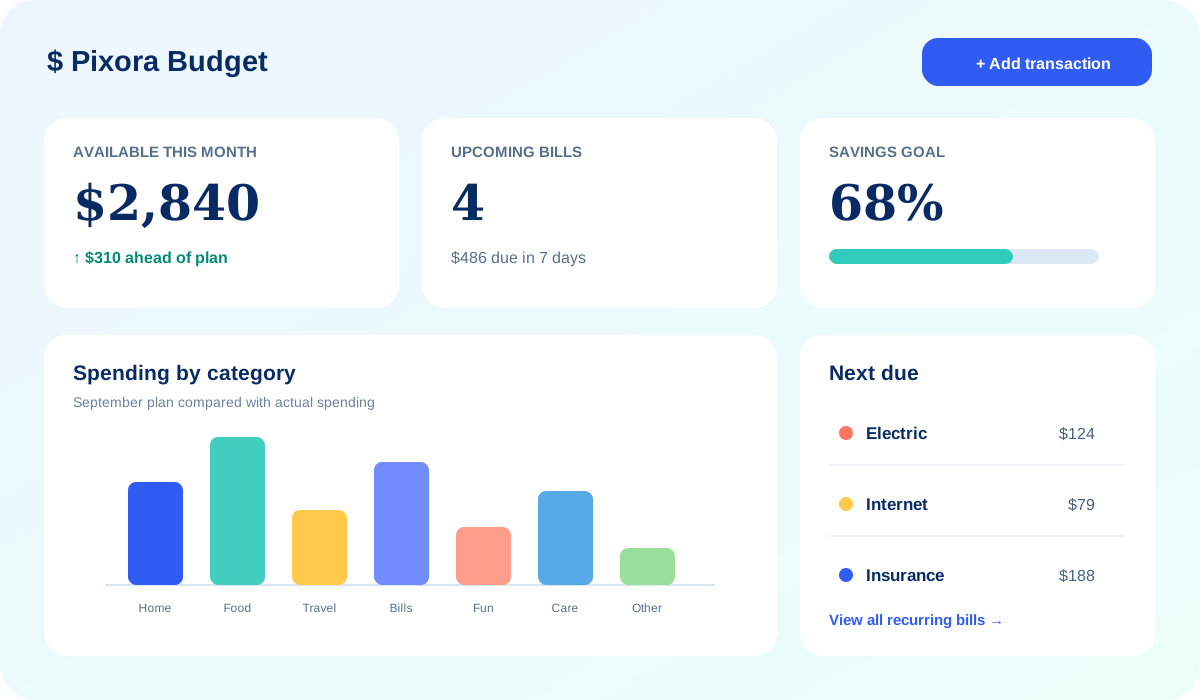
Pixora Budget dashboard showing monthly spending, bills, and savings progress

Pixora Budget

Understand where the household stands without turning money into a mystery. Budget brings recurring bills, categories, transactions, CSV imports, reports, goals, and planning scenarios into a clear workspace built for decisions.

See what is due, notice patterns, and test a change before committing to it. Useful summaries make shared planning easier while household permissions keep financial details with the people who should see them. Pixora helps organize and explain your information; it never moves money or initiates transactions.

  • Bill and category tracking
  • CSV transaction imports
  • Savings goals
  • What-if planning
Open Budget →
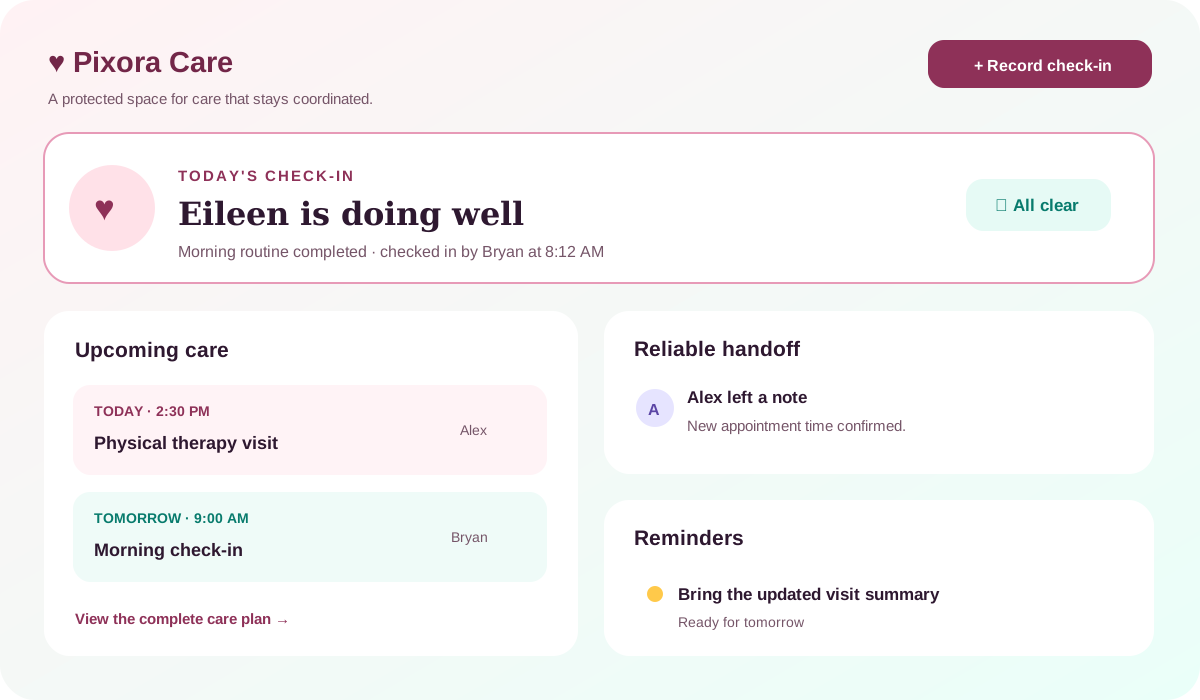
Pixora Care overview showing check-ins, visits, reminders, and caregiver handoffs

Pixora Care

Optional Locator arrival deadlines add confirmed arrivals or unconfirmed check-in follow-ups to Care coordination. Coordinators can acknowledge and handle a follow-up without assuming an emergency.

For Locator-powered options: The Locator app is required for this option. Join the PixoraHQ Google Group using your Google Play account and follow the closed-testing Android installation instructions. Sign in with your Pixora account; Place-based options need current precise sharing.

Coordinate care with more confidence and less guesswork. Care gives a recipient and their permitted caregivers one protected place for check-ins, visits, plans, contacts, reminders, handoffs, and a clear history of what happened.

Upcoming needs stay visible, reliability signals help the right person follow through, and concise handoffs reduce the chance that an important detail disappears between conversations. Access is purposefully limited by household role so sensitive care information does not spill into general family planning.

  • Check-ins and visits
  • Care plans and contacts
  • Reliable handoffs
  • Protected access
Open Care →
Optional · Android closed testing

Pixora Locator

Private family location sharing with precise or approximate modes, time limits, Places, and arrival and departure alerts. Locator is the only Pixora app with a subscription, with monthly and yearly options after any eligible trial. All other apps remain free and work without it.

Preview Locator →
Designed to work together

Use the app that owns the work.

Keep the full detail in the focused app, then share only the useful summary with the household. A Student deadline can appear on the family calendar, a Connect plan can become a Planner event, and a Live display can show what everyone needs at a glance—without copying the entire record everywhere.

Read the Pixora app guide →

The core Pixora apps are included.

Enjoy Planner, Home Control, Student, Connect, Live, Budget, and Care free, with no upgrades or paid tiers. You do not need a Locator subscription to use any of these apps. Locator is optional; only features that use its location sharing require it.

Get started
Planner and Flows

Manage your Locator automations together.

Planner reminders connect directly to Flows. Saving an arrival reminder, Calendar departure reminder, chore arrival timing, or Care check-in creates a linked Flow with one Enabled switch and run history. Use Planner / Locator nodes for arrivals, departures, movement, check-ins, event departure times, assigned chores, and Care deadlines; add conditions, notify Locator phones, set or clear travel status, or create a Care follow-up. The Locator app is required for these options. Join the PixoraHQ Google Group for Android closed-testing installation instructions, using the same Google account as Google Play.