Weather
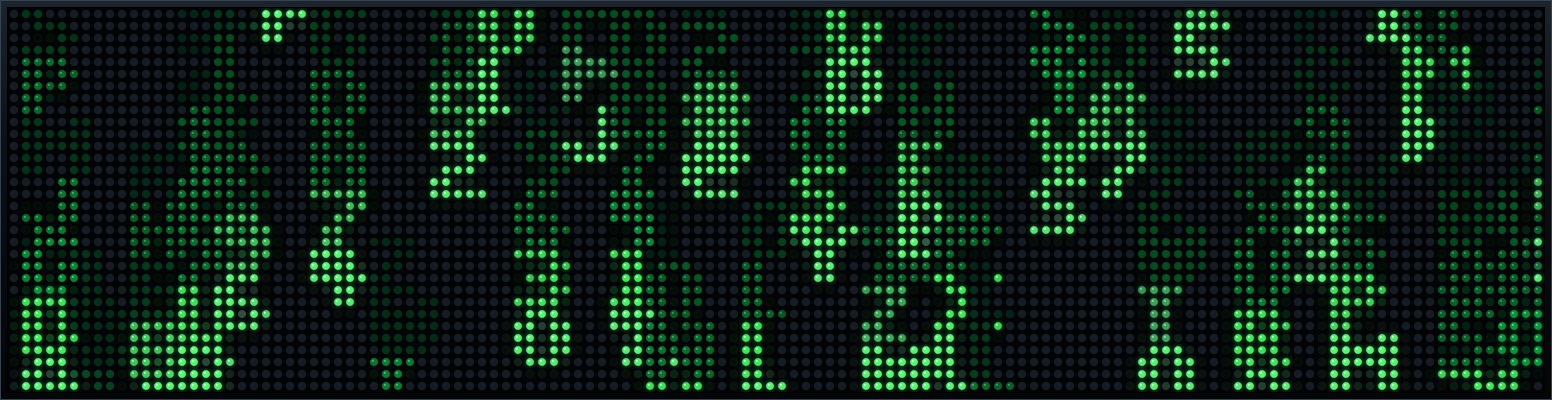
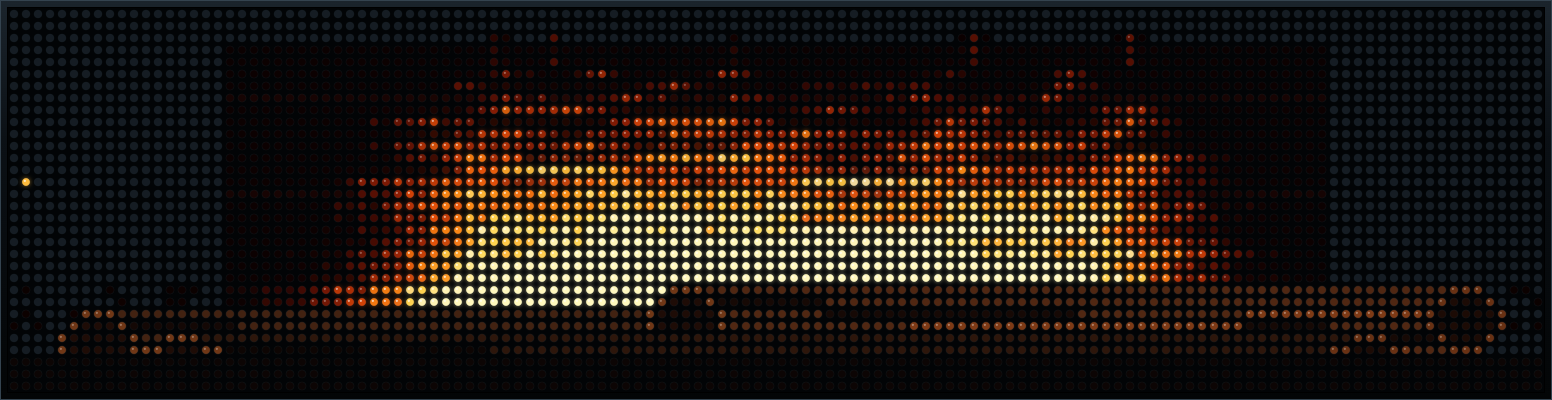
Forecasts, radar, alerts, tides, air quality, and sunrise.

PIXORA CLOUD
Build a rotation from live weather, sports, markets, calendars, smart-home data, travel, and more. Pixora keeps every card fresh—without turning your wall into another dashboard.
✓ Virtual 64×32 and 128×32 displays included. No hardware required.

THE CARD LIBRARY
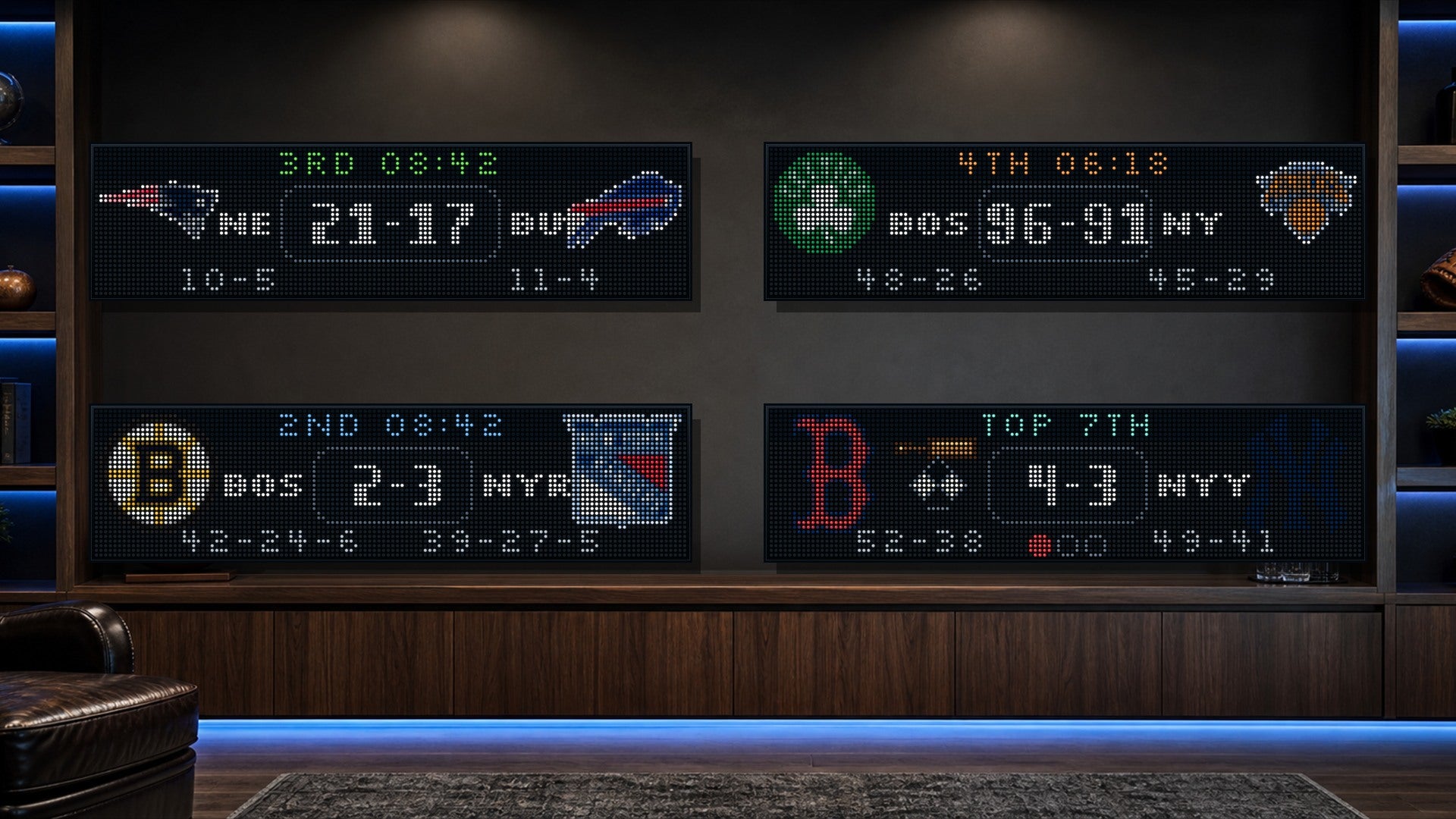
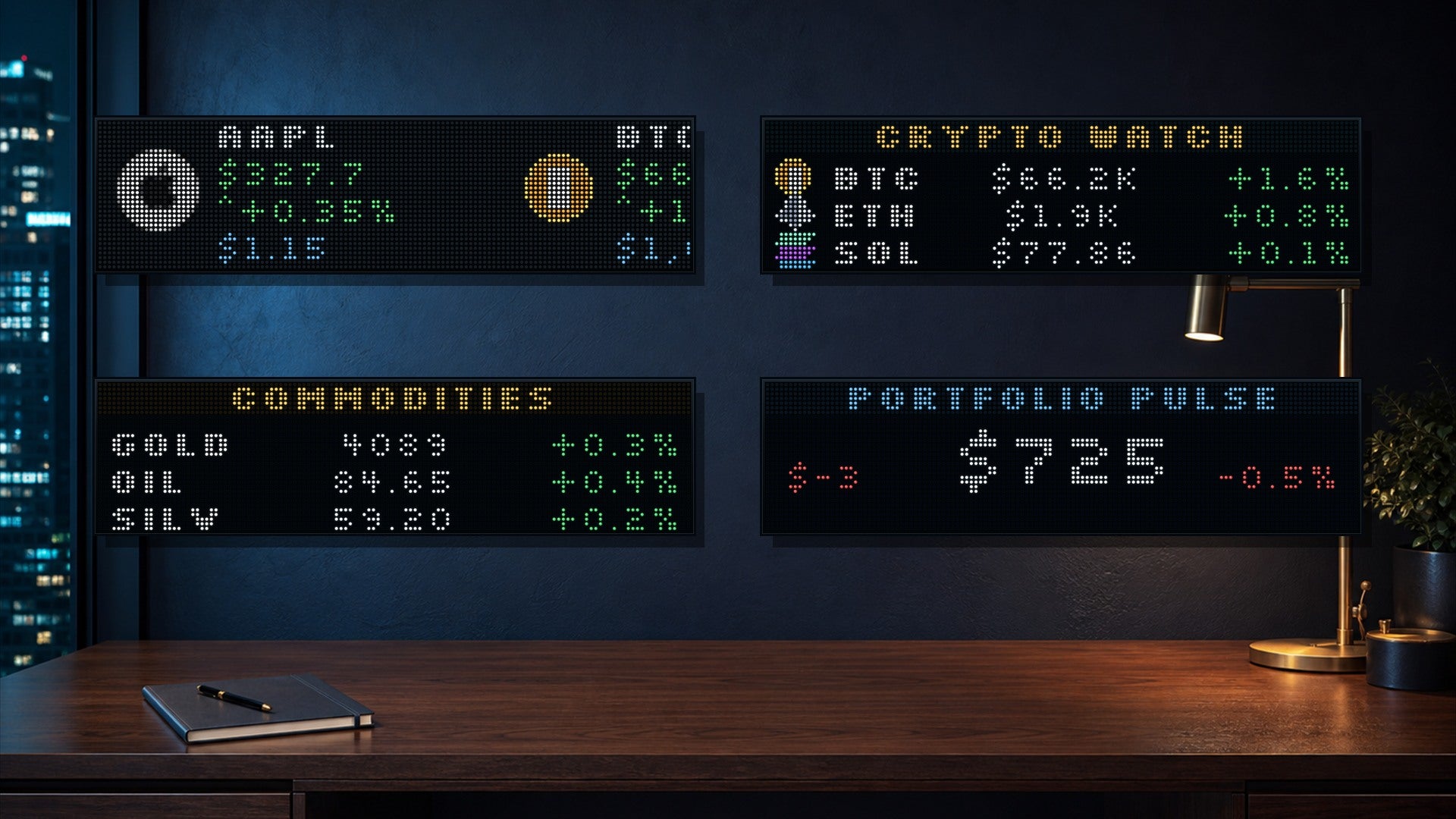
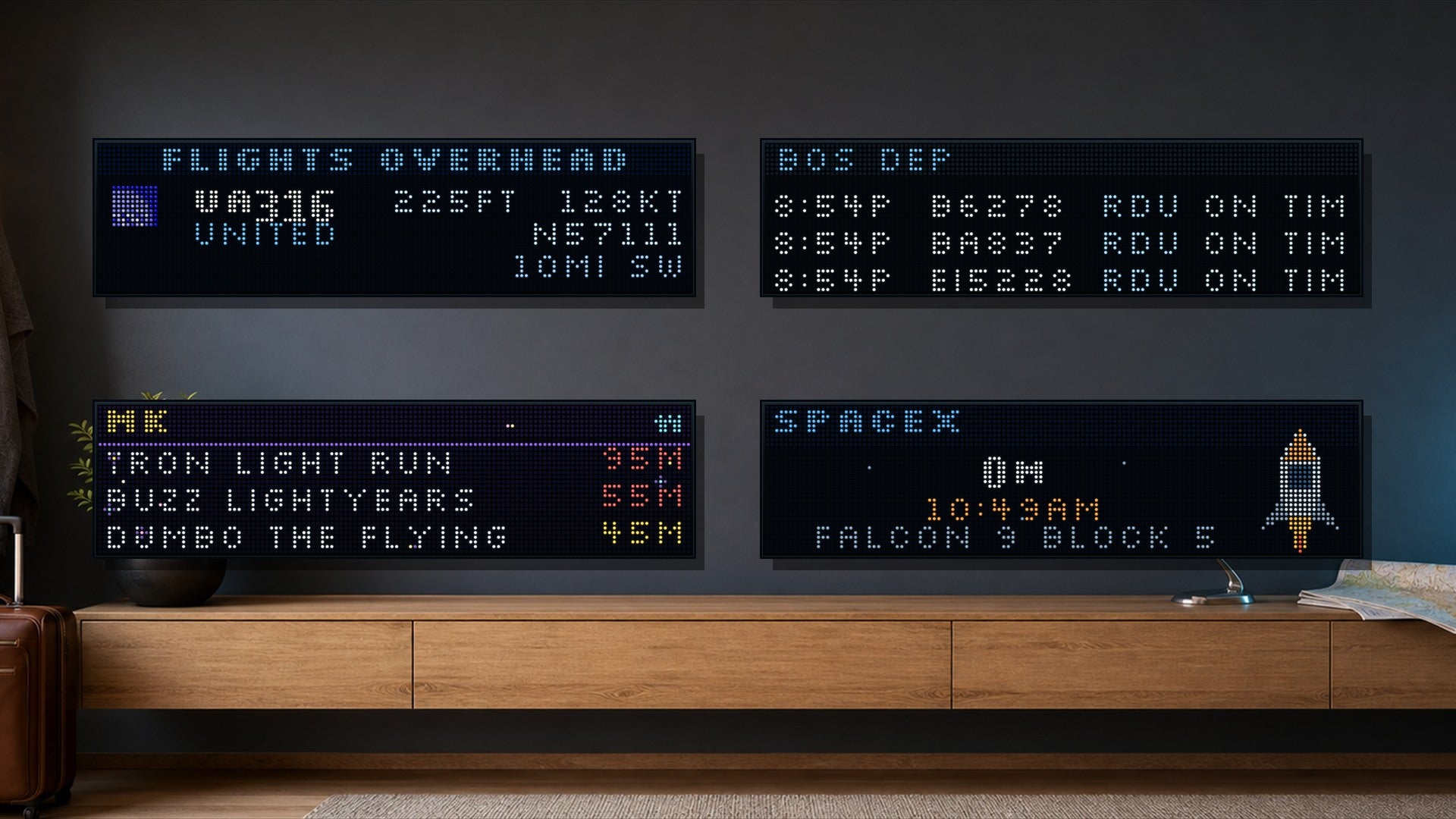
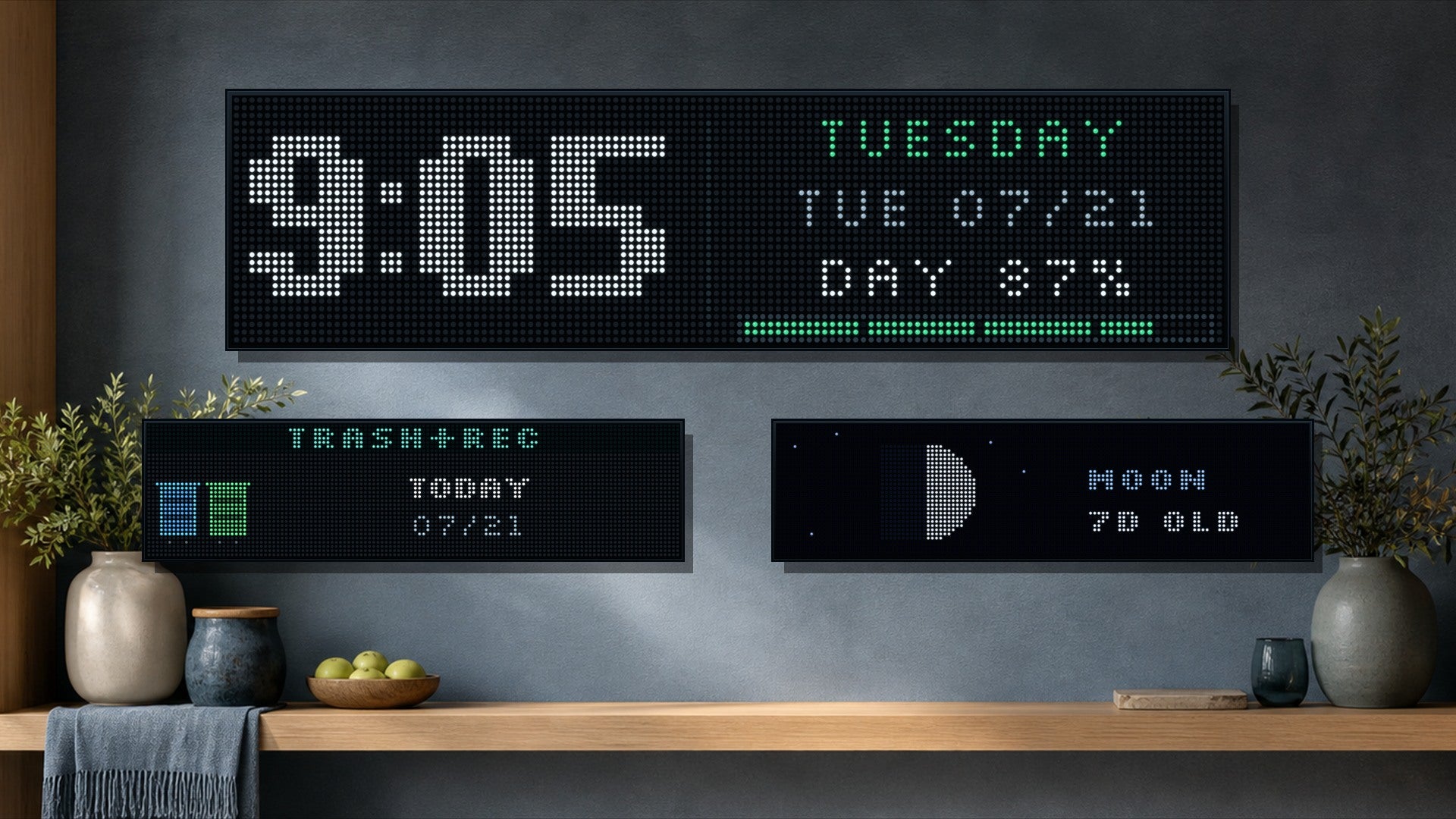
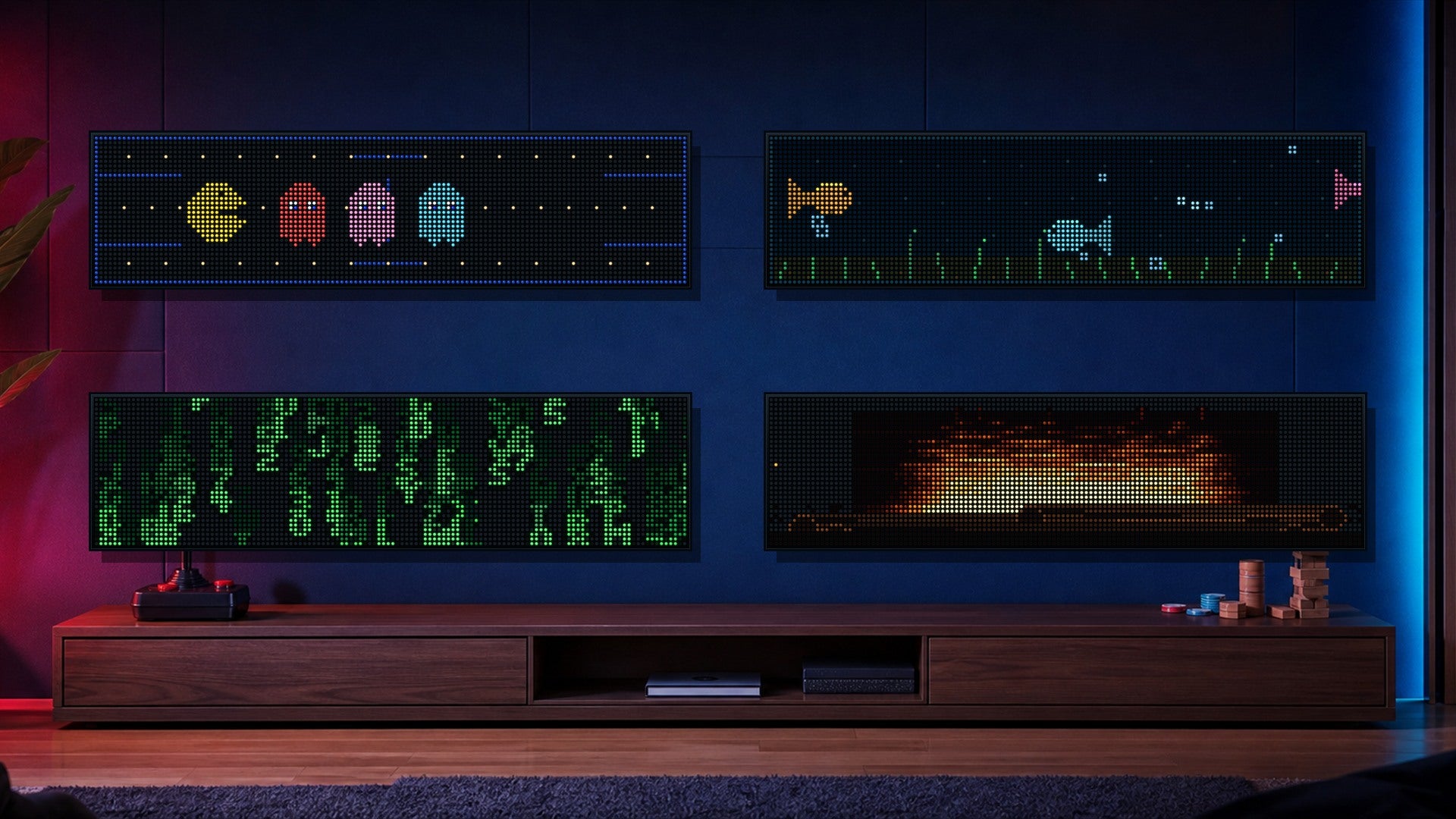
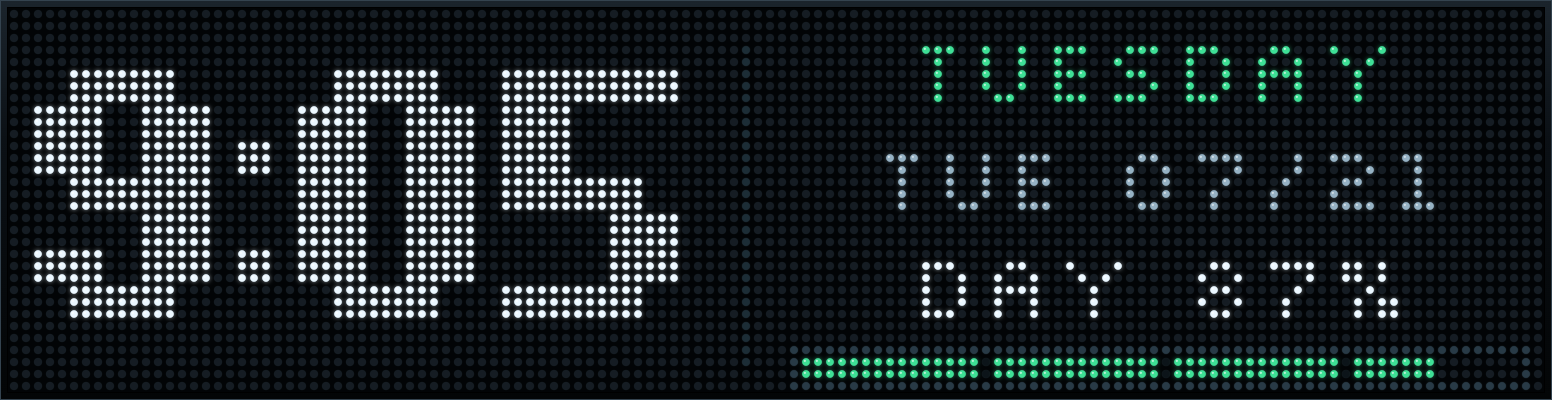
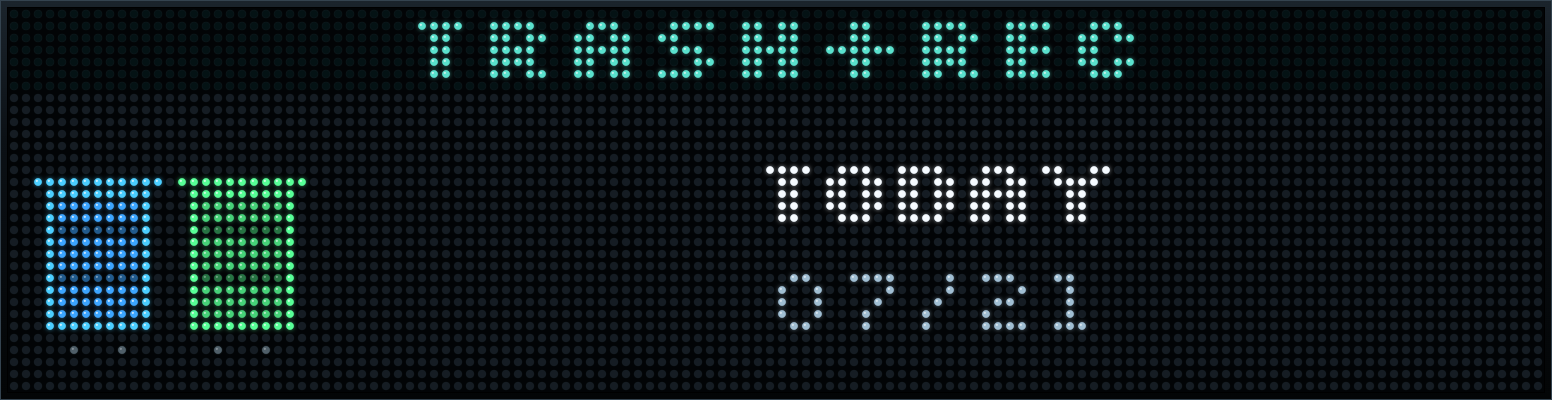
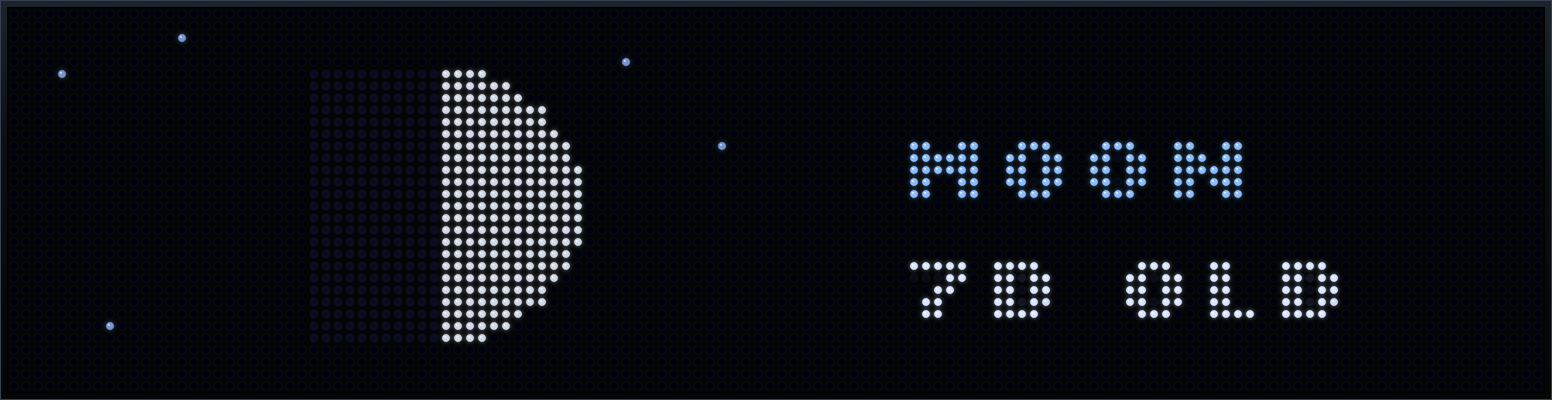
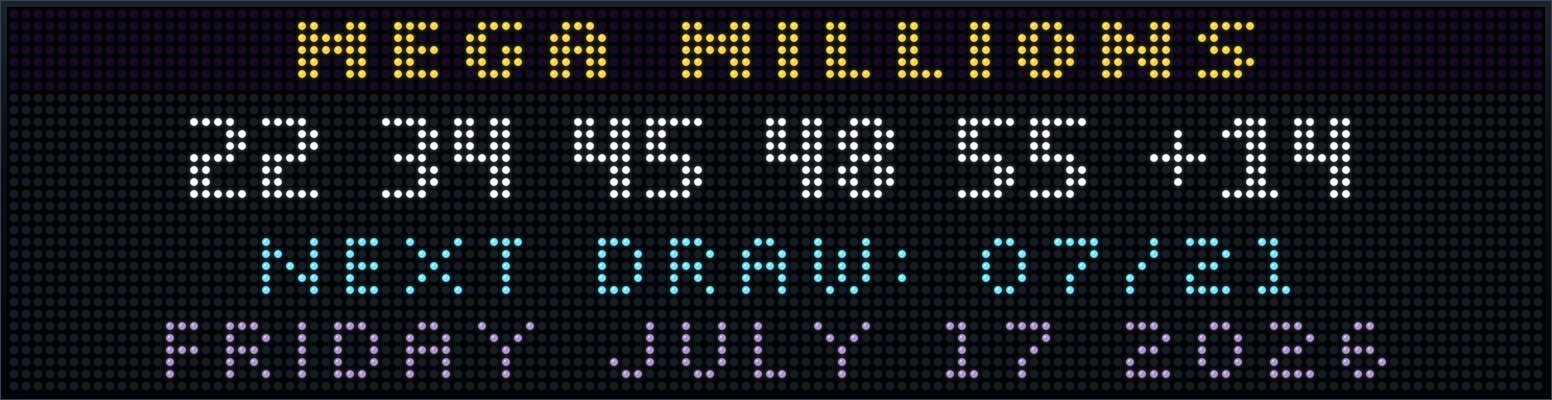
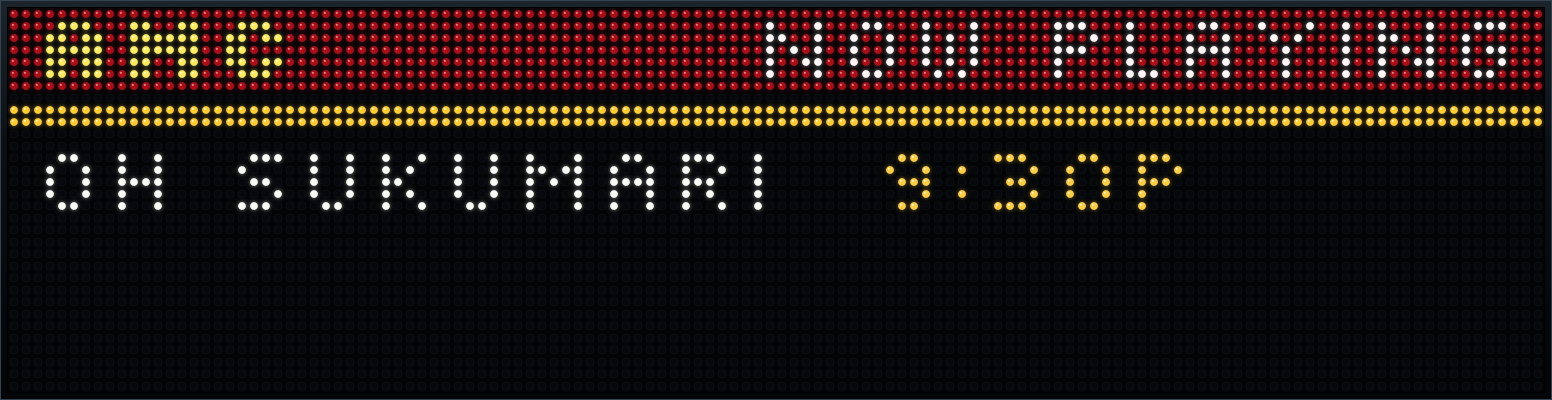
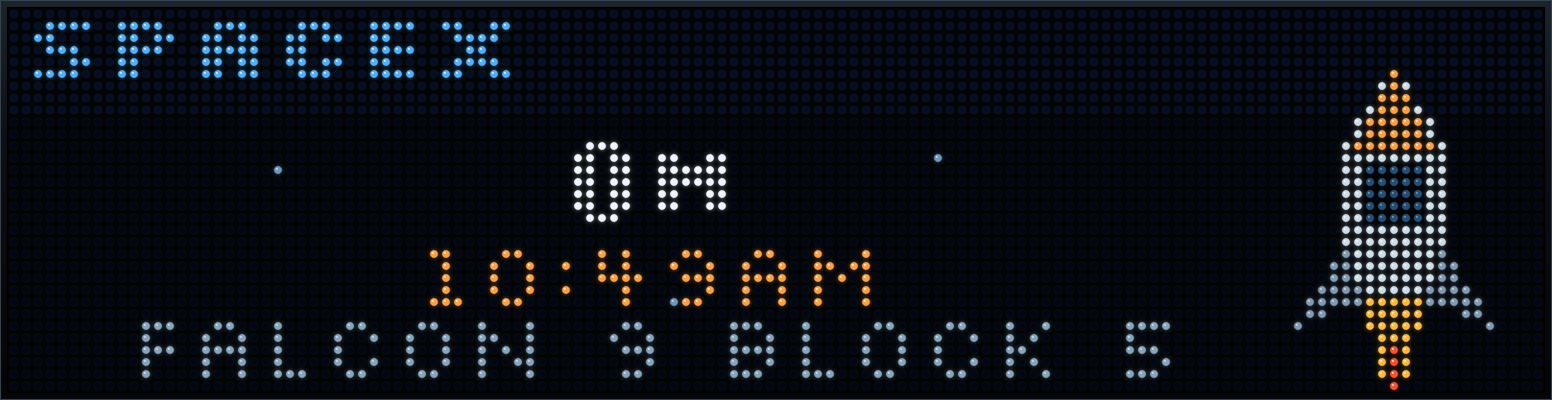
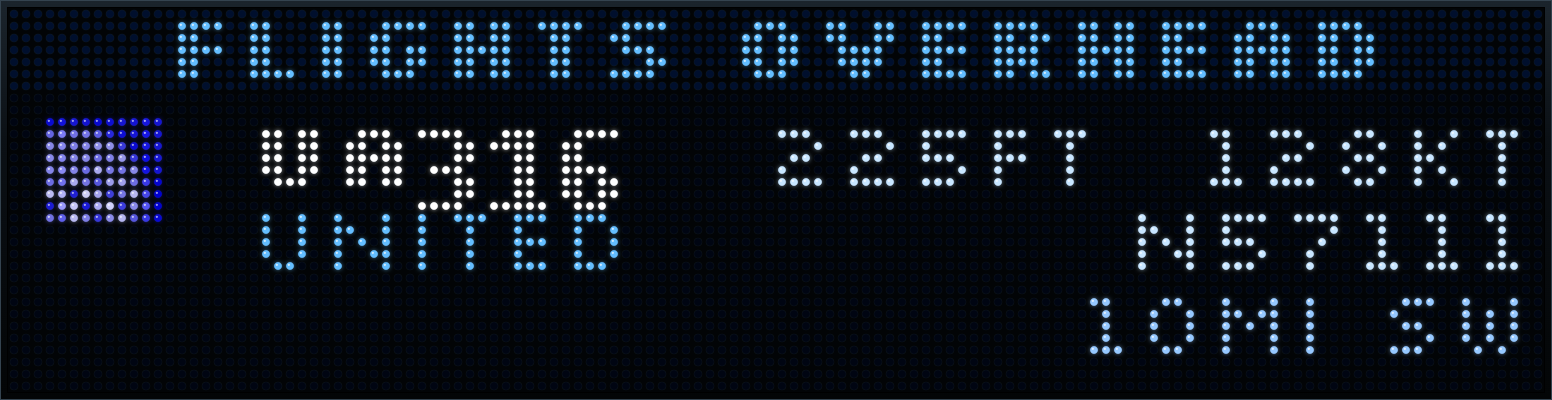
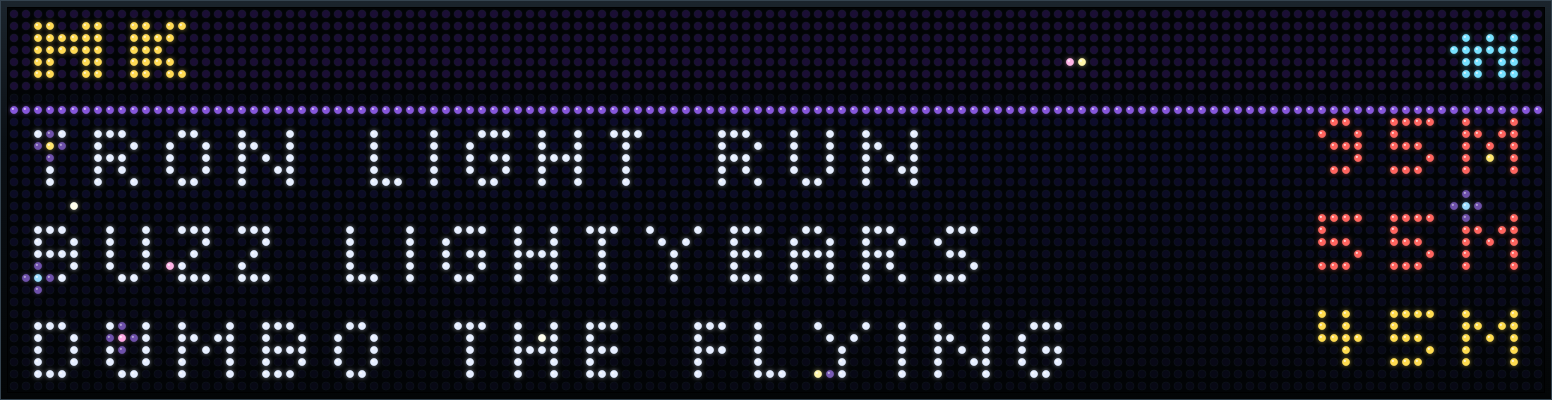
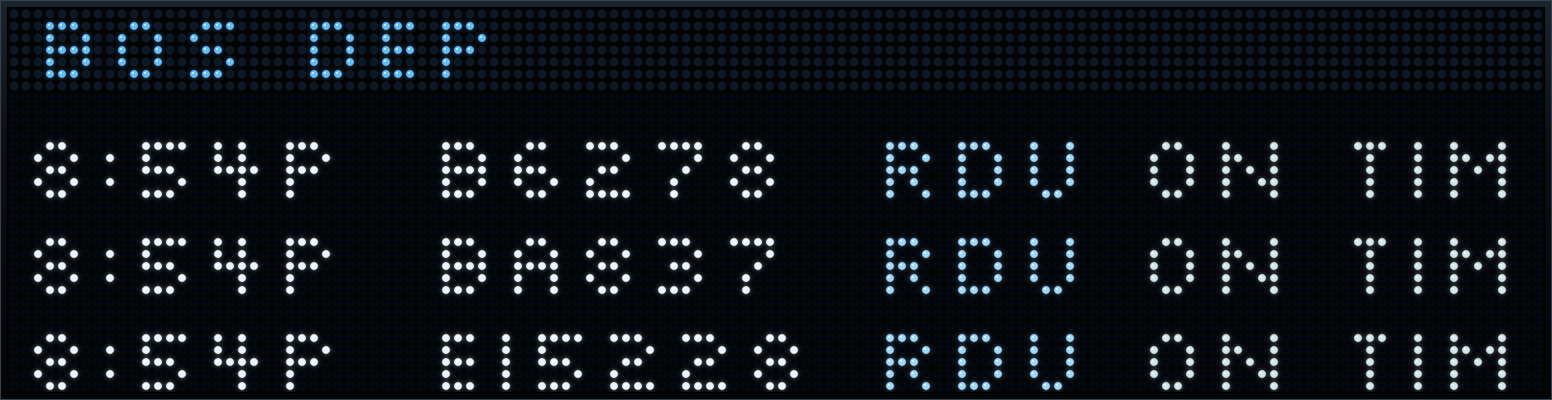
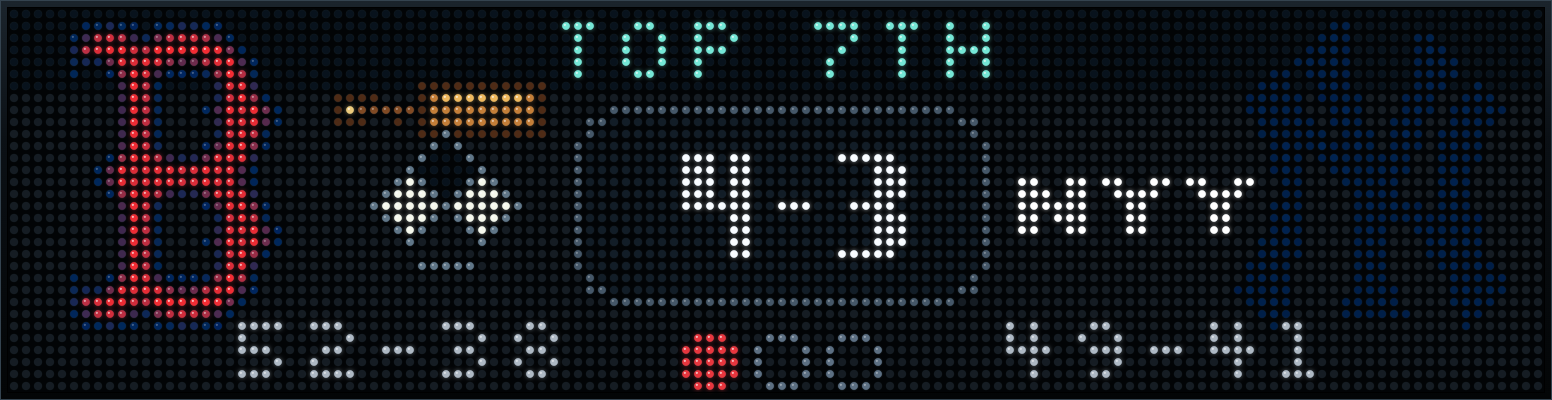
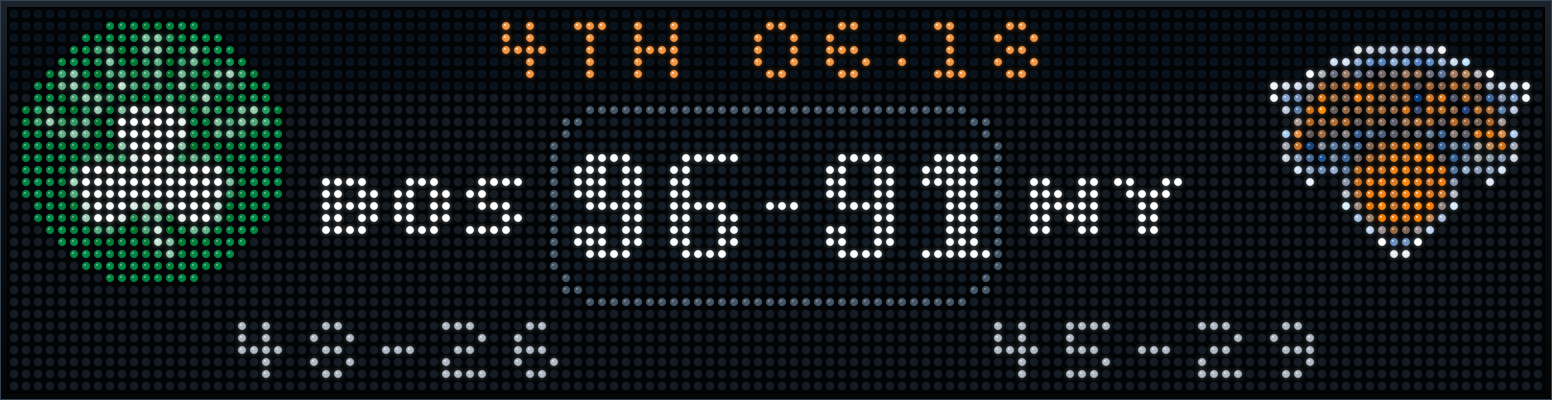
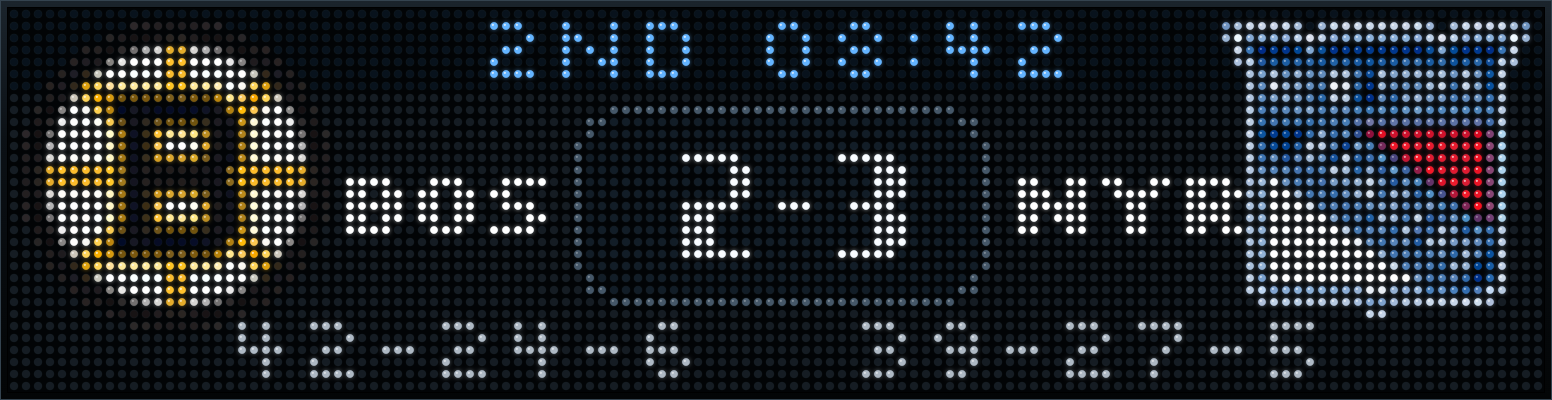
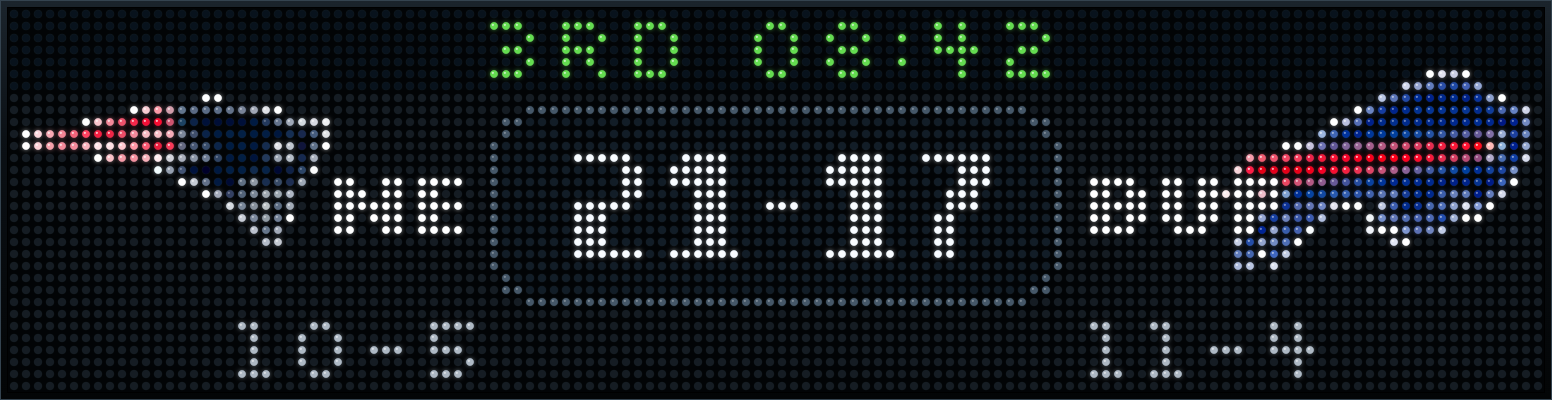
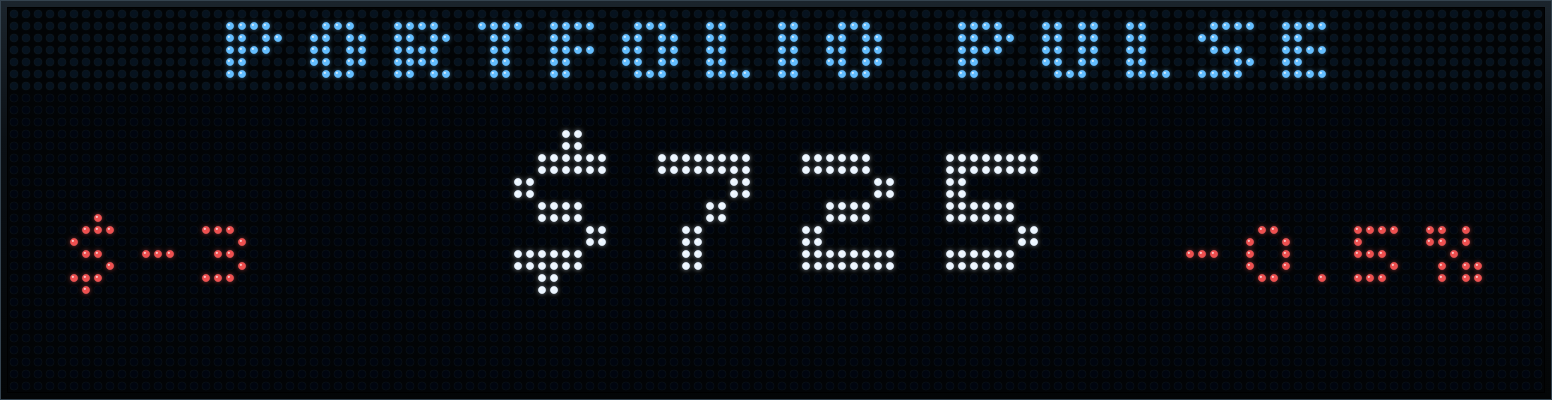
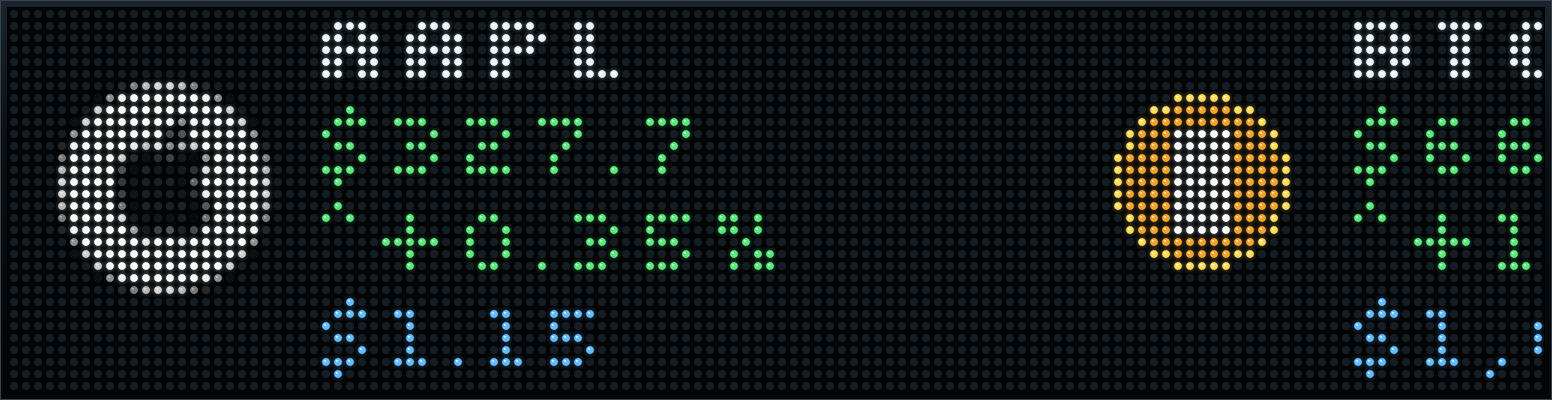
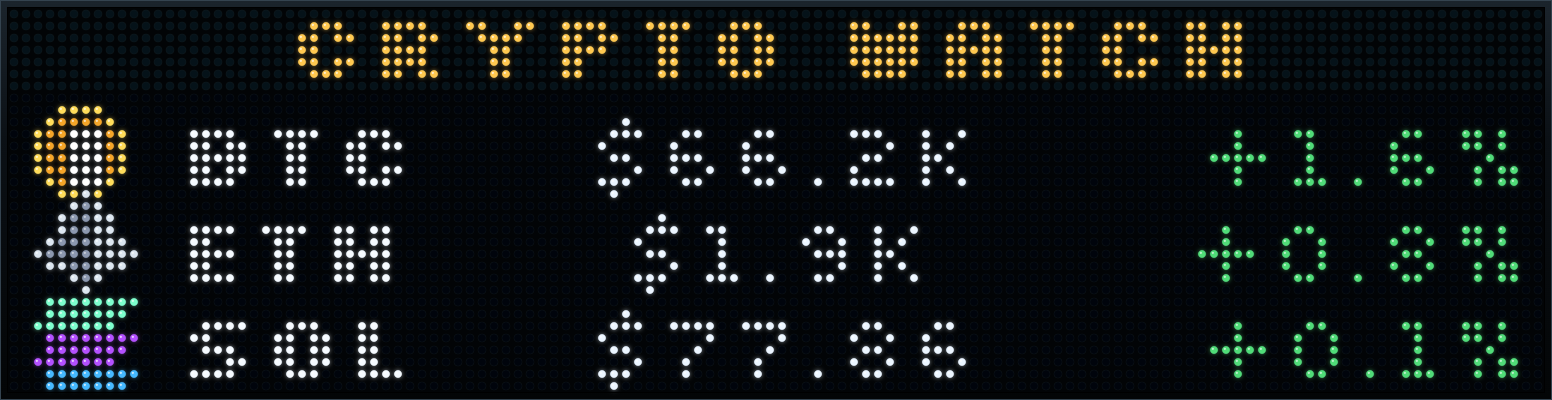
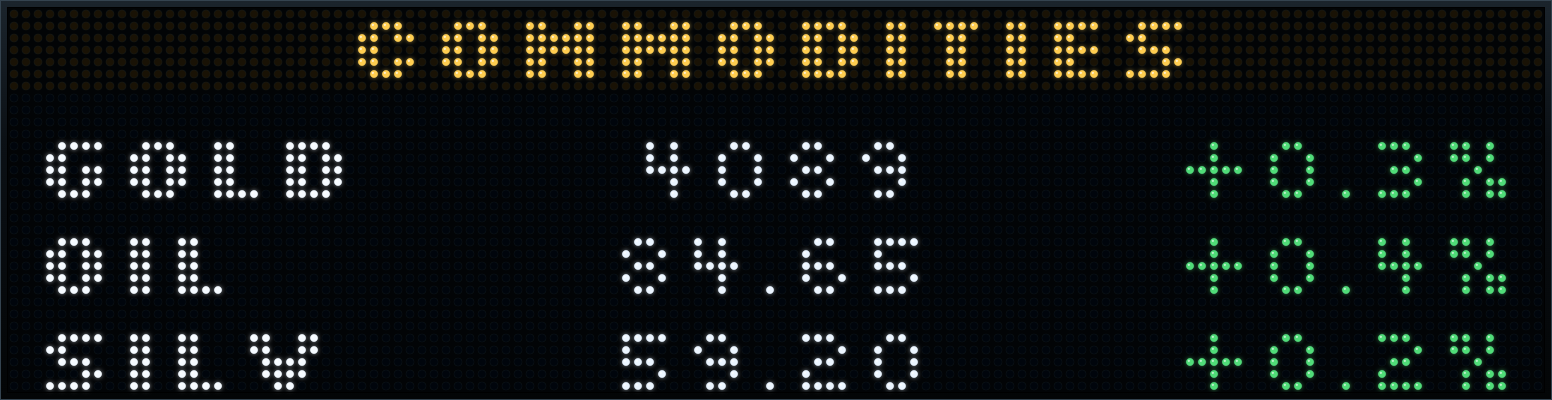
Every display face below comes from an actual Pixora 128×32 capture. The LED dots, layouts, scores, logos, and data are the real card output—not substitute artwork.
Scroll to explore →
Forecasts, radar, alerts, tides, air quality, and sunrise.
Live scores, schedules, standings, matchups, and leagues.
Stocks, crypto, indexes, market status, and portfolios.
Sensors, locks, doors, energy, safety, and status.
Flights, aircraft, park hours, wait times, and traffic.
Calendars, packages, trash day, countdowns, and reminders.
The actual Cloud dialog groups cards by Finance, Fun, Smart Home, Social, Sports, Travel, Utility, and Weather. Each card exposes only the settings it needs.
Open the real libraryAnd that’s only the beginning.
Explore Pixora CloudFROM IDEA TO DISPLAY
Browse the catalog and pick the information, teams, places, and services that matter to you.
Sign in to your services, set your options, then order cards into the perfect rotation.
Pixora refreshes data in the cloud and sends the right pixels to every connected display.
RULES ENGINE
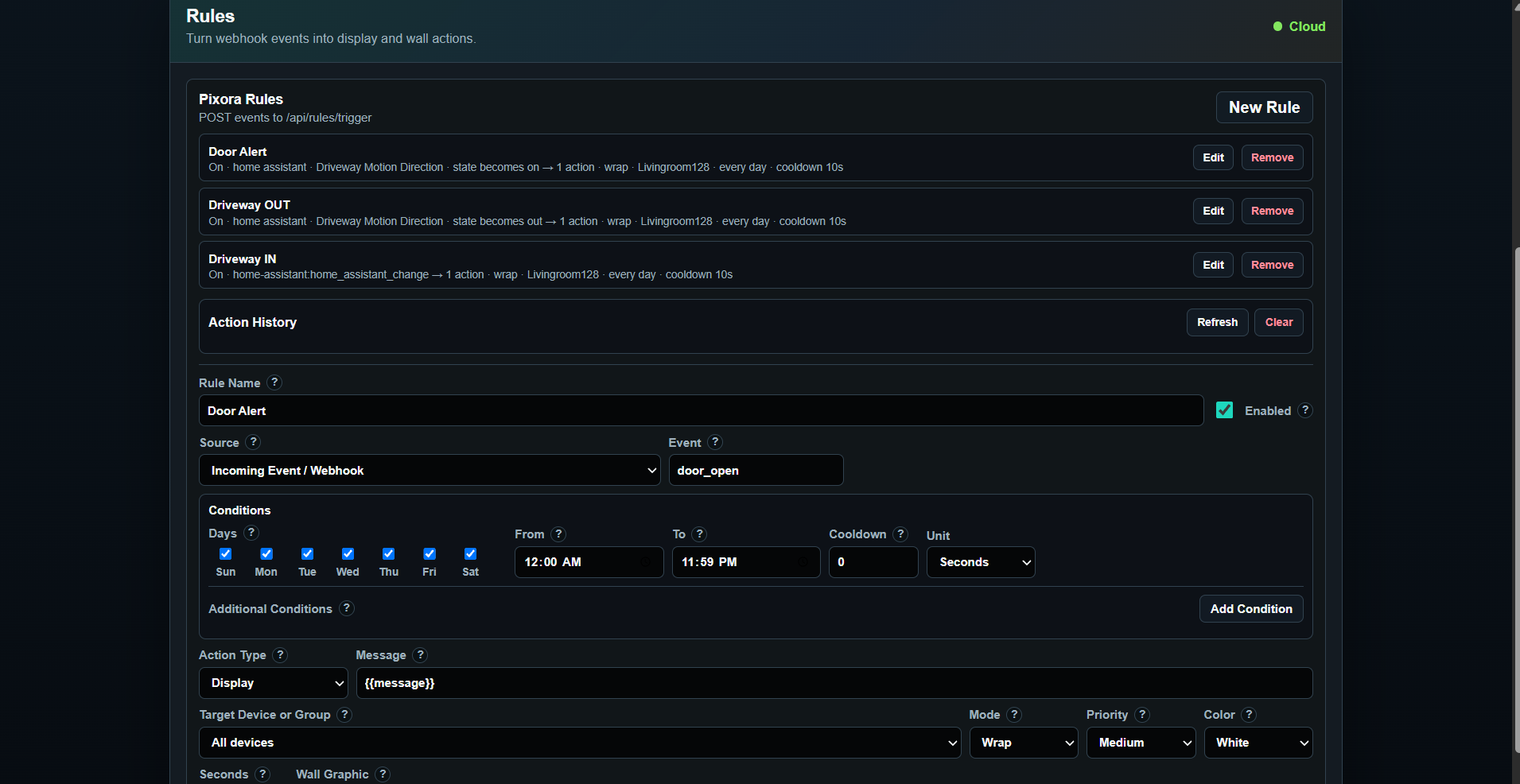
This is the real Pixora Rules dialog—not a stylized substitute. Turn webhook and Home Assistant events into display actions, wall graphics, and targeted messages.
LINKED DISPLAYS
Use the same card library, decks, rules, brightness, and quiet-hour controls across 64×32 and 128×32 displays. Link up to three matrices when the moment needs a wider canvas.
OPEN-ENDED BY DESIGN
Create custom cards that pull from APIs, render text or pixel art, expose user options, and live beside built-in cards in the same catalog and preview system.
Start with Pixora’s card template, build with the tools you already use, then keep it private or share it with the community.
Start buildingTRY IT BEFORE YOU BUY IT
Test real 64×32 and 128×32 layouts in your browser, build a rotation, and see what Pixora can do—free.