See your logic
Connect triggers, conditions and actions on a visual canvas. Use global variables, delays and waits to build the behavior you need.

Create visual device automations with an editor and runner that live on your Home Assistant hub.
Local automation · no Pixora cloud runner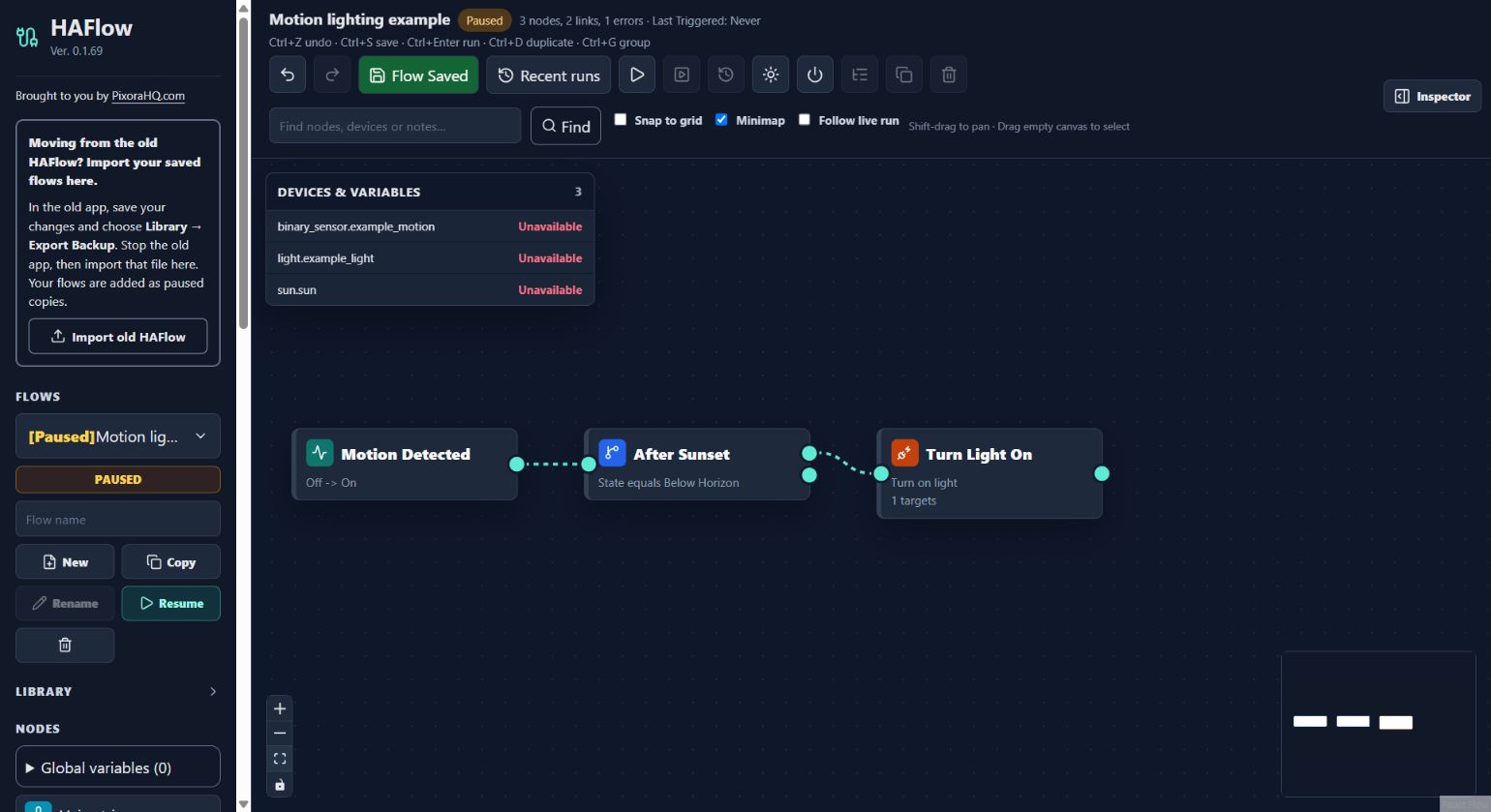
Connect triggers, conditions and actions on a visual canvas. Use global variables, delays and waits to build the behavior you need.
Automations execute on the hub. Review run history and device mappings without keeping the editor open.
Separate trigger paths can run independently. Retriggering replaces overlapping work; commands already sent cannot be recalled.
Install HAFlow from the shared repository, start it and open the editor. Create a flow, check its devices and actions, then enable it and test its trigger.
For Home Assistant installations with app support, such as Home Assistant OS. Add the repository once, then install only the apps you need.
Open the app repository ↗https://github.com/bptworld/PixoraHQforHA.