Make a week that fits
Create named schedule periods, temporary overrides and home/away choices. See the next planned change and why the current setting was selected.

 Pixora Thermostat Controller
Put schedules, timed overrides and thoughtful heating protections together in one local Home Assistant app.
Local control · notifications use HA services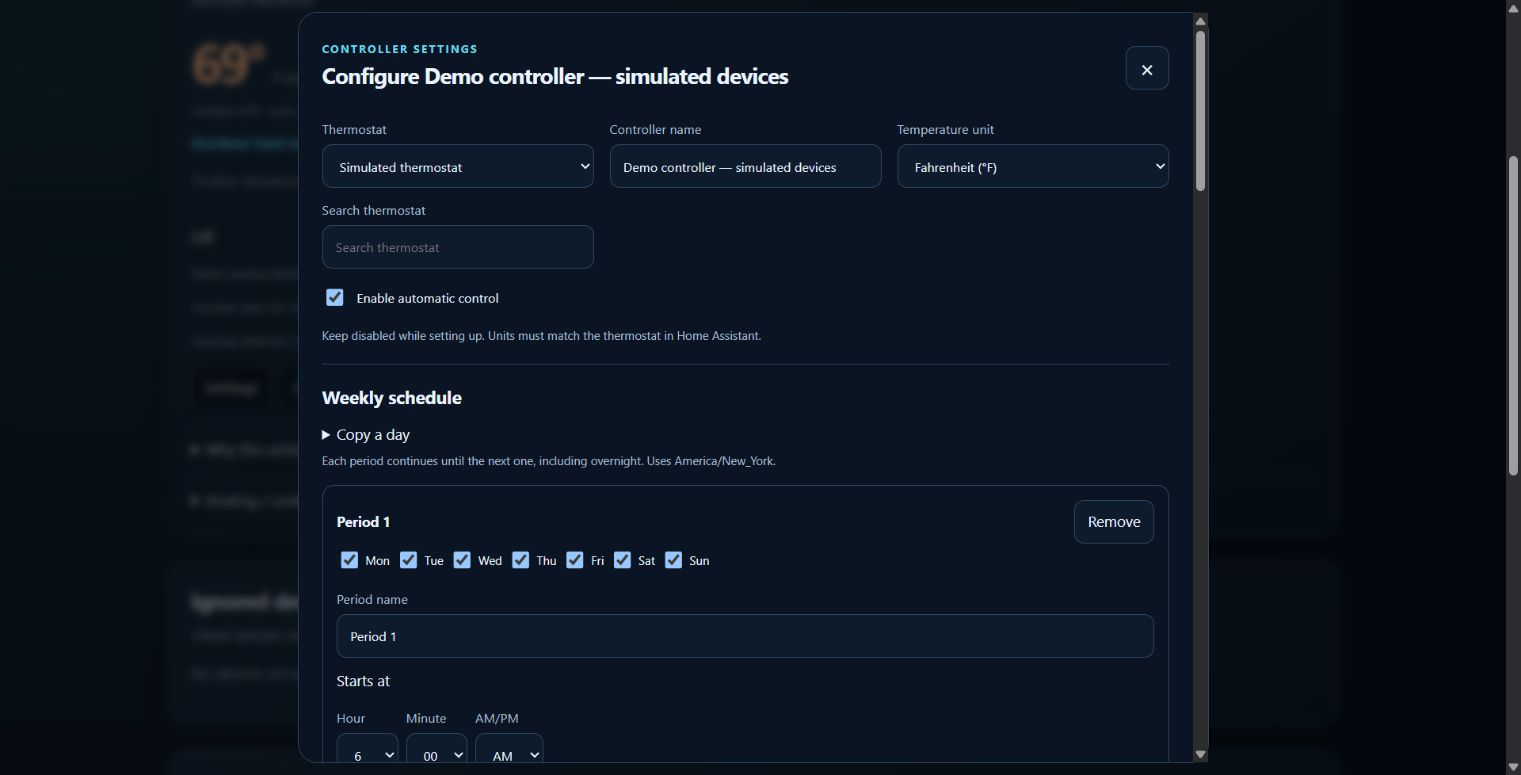
Create named schedule periods, temporary overrides and home/away choices. See the next planned change and why the current setting was selected.
Choose contacts and an open delay. Lower heat to your setback and pause cooling, then resume after confirmed closure. Ignore a problem sensor until you mark it Fixed.
Choose an outdoor temperature source and heat limit. Turn heat off automatically or send an actionable question; no response leaves the thermostat alone.
Install the app, open its Web UI and add a thermostat. Choose a weekly schedule and optional protection devices and notification recipients, then enable the controller when ready.
For Home Assistant installations with app support, such as Home Assistant OS. Add the repository once, then install only the apps you need.
Open the app repository ↗https://github.com/bptworld/PixoraHQforHA.