Ask the right device
Open or closed questions use contact sensors; locked or unlocked questions use locks. The listening satellite’s HA area gives room context to requests such as ‘in here’.

 Pixora Voice Beta
Ask about your home, control the right devices and start your saved voice Flows through Home Assistant Assist.
Beta · local control, optional online features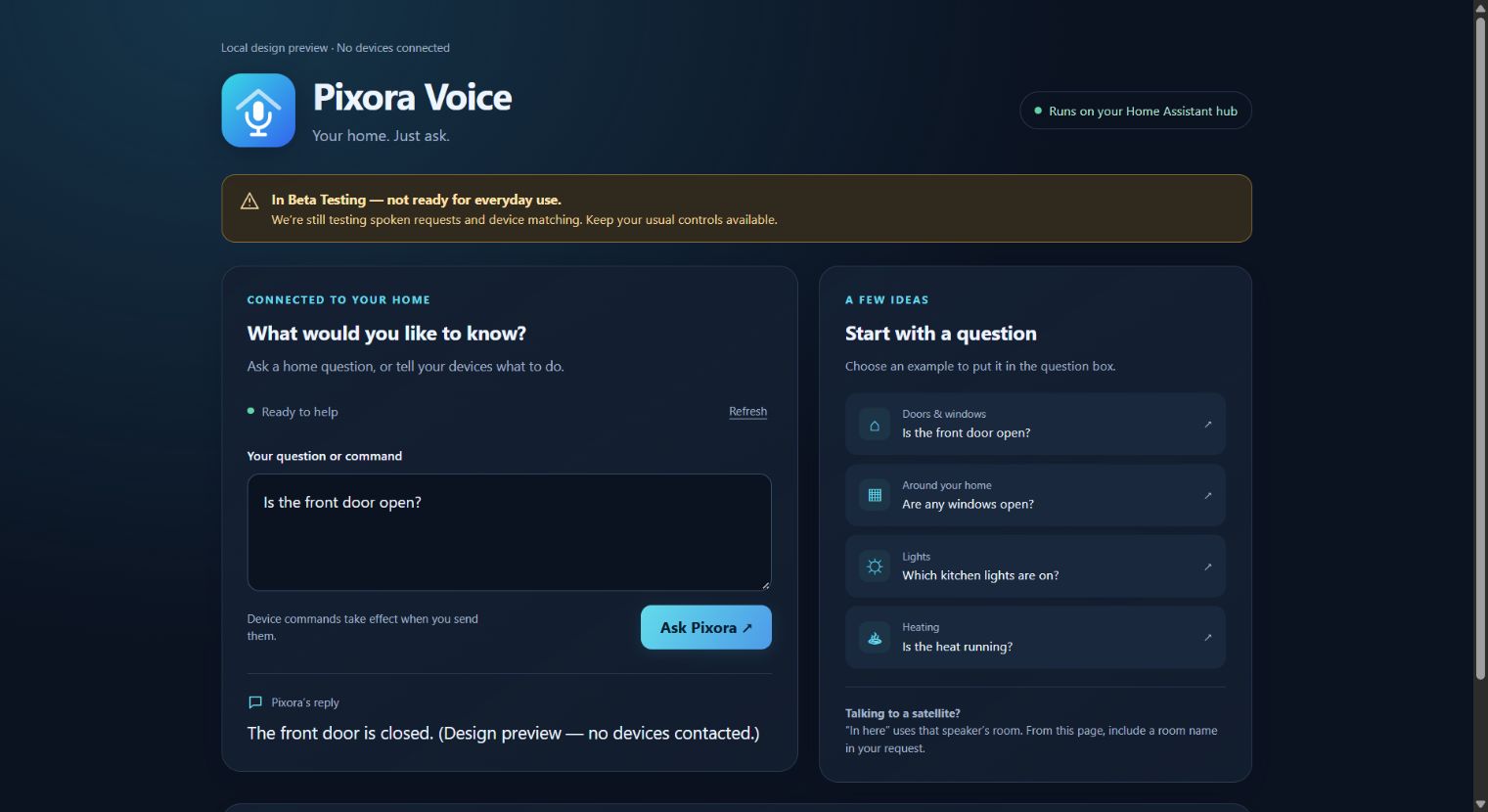
Open or closed questions use contact sensors; locked or unlocked questions use locks. The listening satellite’s HA area gives room context to requests such as ‘in here’.
Use a local speech provider or optional Groq transcription with your own API key and explicit audio sharing. Piper can keep spoken replies local. No LLM is required.
Optionally reuse your paired Home Control connection for shared Planner answers and voice Flow triggers. Inspect the Voice log when recognition or a request fails.
Install Voice and open its guided setup. Connect its Assist bridge, choose your speech-to-text provider and Piper voice, then select the assistant on your satellites. Setup will indicate if an HA restart is needed.
For Home Assistant installations with app support, such as Home Assistant OS. Add the repository once, then install only the apps you need.
Open the app repository ↗https://github.com/bptworld/PixoraHQforHA.